AI luxury product campaignFood & beverage

Give your product a more premium campaign setting.

Build a refined visual world around the product while keeping its identity clear.
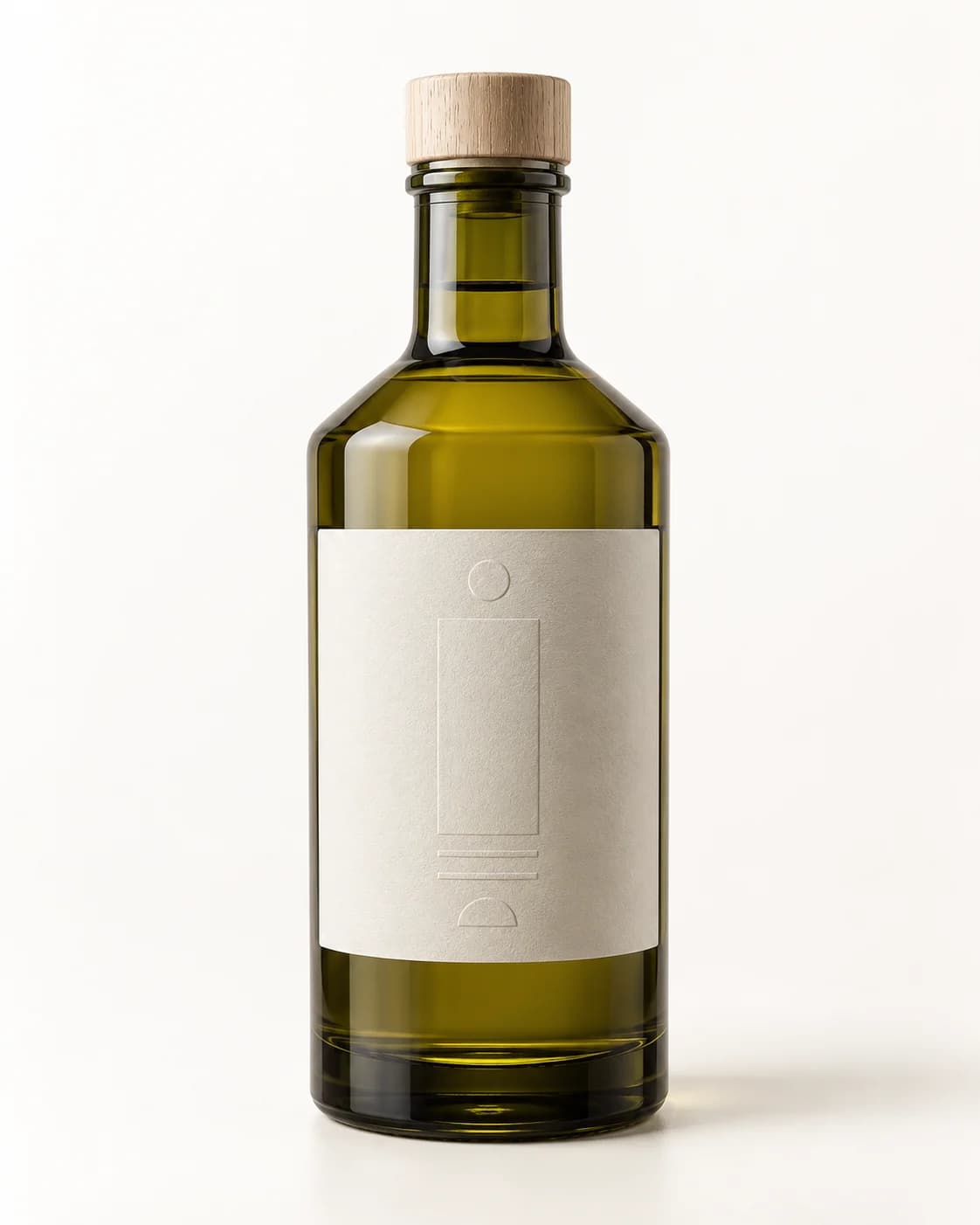
Premium olive glass oil bottle in a plain seller product photo
Before
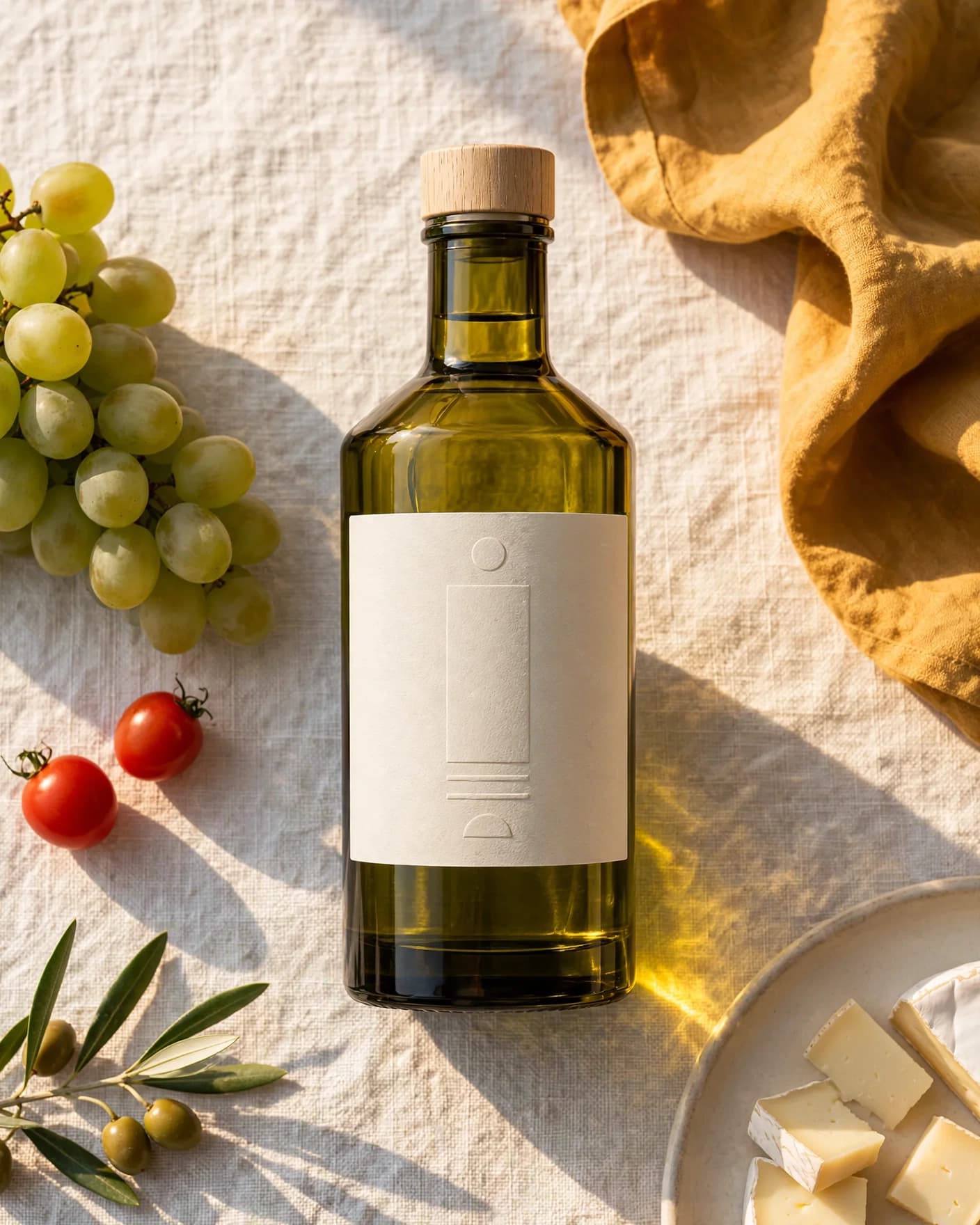
Same olive glass bottle in a sunlit culinary luxury campaign
After
Use this preset

Upload your product photo. Eligible new users start with 10 one-time image credits.
What this preset does

Change the presentation, not the product.

The Luxury Campaign preset uses controlled light, tactile surfaces and restrained styling to create a more premium product world. It is designed for ecommerce teams that need elevated campaign creative without obscuring what they sell.

Creative direction

What changes

  • Introduces refined materials and styling
  • Shapes premium light, shadow and surface detail
  • Creates a composed high-end campaign environment
Product truth

What should stay recognizable

  • Product packaging and silhouette
  • Original color and material character
  • Labels, closures and distinctive visible details

Commercial use

Where this output fits.

Use the result where it has one clear ecommerce job, then compare it with the real product before publishing.

  • 01Premium collection launches
  • 02Brand and campaign landing pages
  • 03Email, retail and paid social creative

How to use it

From source image to reviewed result.

  1. 01

    Add your product photo

    Use a clear source where the product shape, materials and important details are visible.

  2. 02

    Keep or refine the direction

    Use the preset as-is or add one focused instruction for your brand or campaign.

  3. 03

    Review the result

    Check product identity, construction and any generated details before publishing.

FlowEdit / Privacy

Choose which optional technologies FlowEdit may use on the website.

Essential

Required for authentication, security, billing and core features.

Always active