AI product detail photographyHome & living

Show the details that make your product worth choosing.

Turn one product image into a close-up that brings texture, materials and craftsmanship forward.
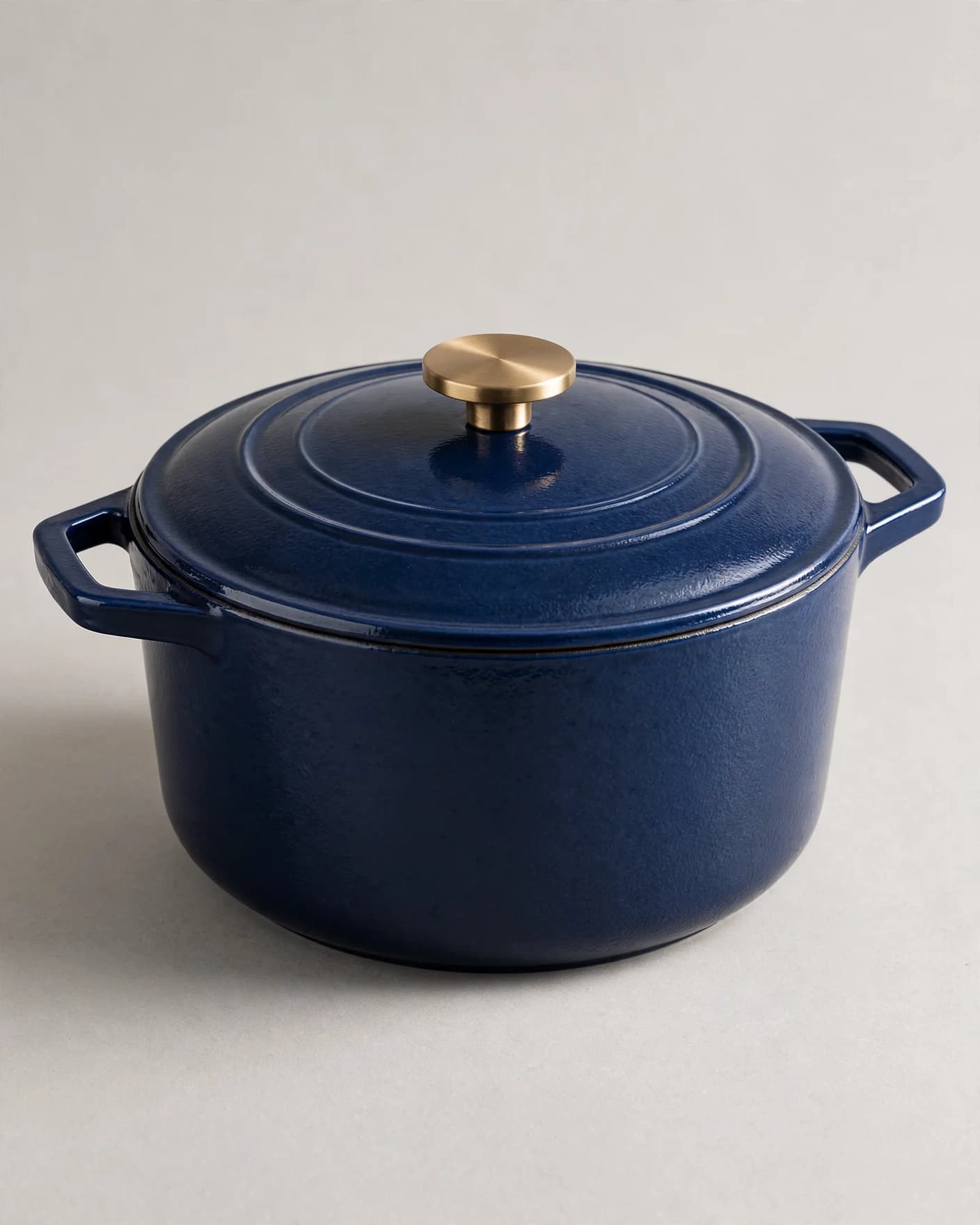
Blue enameled Dutch oven in a plain seller product photo
Before
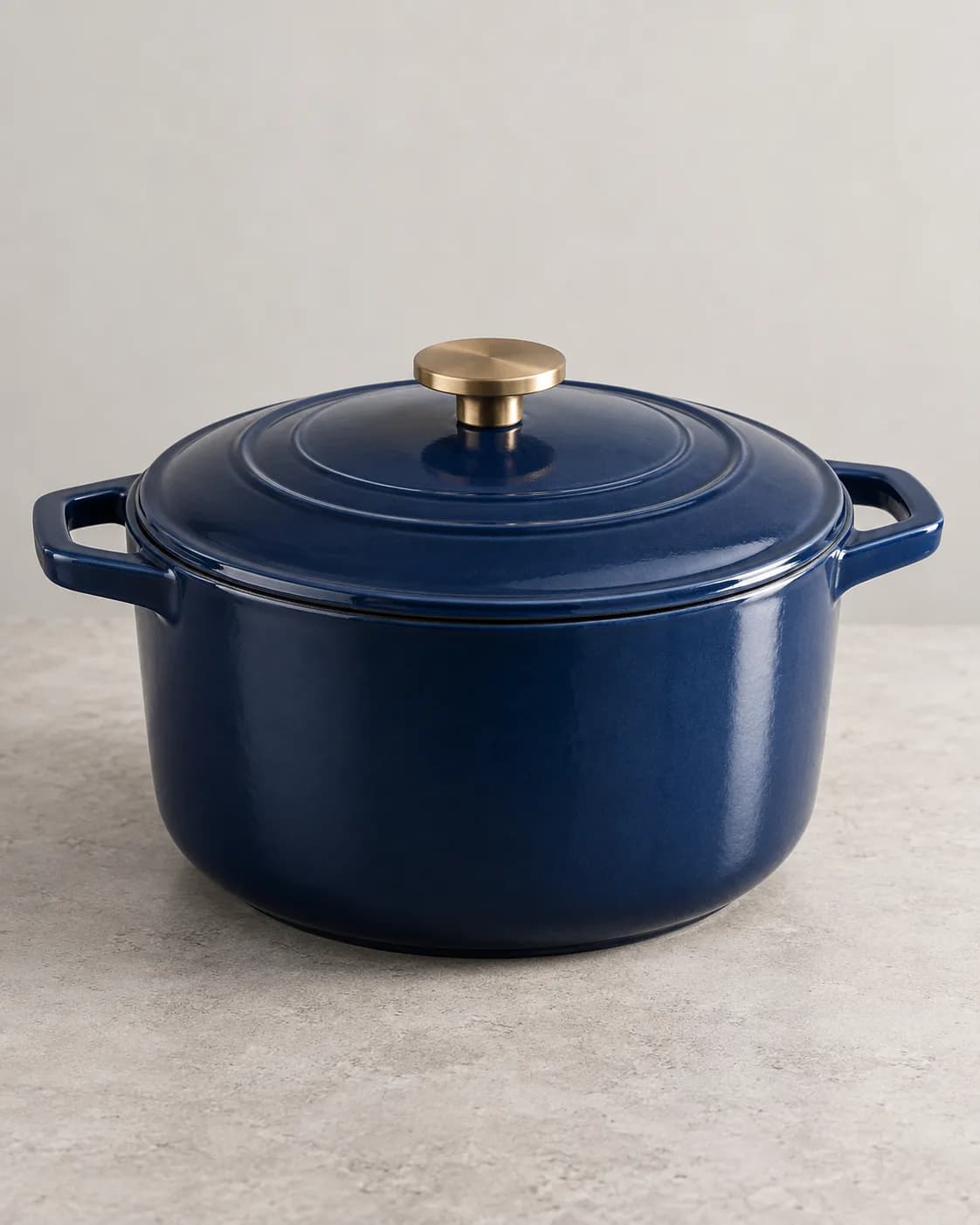
Same blue enameled Dutch oven in close-up detail and texture photography
After
Use this preset

Upload your product photo. Eligible new users start with 10 one-time image credits.
What this preset does

Change the presentation, not the product.

The Detail & Texture preset creates a closer product view designed to communicate build quality. It emphasizes real surfaces, joins, finishes and hardware while retaining enough context for immediate product recognition.

Creative direction

What changes

  • Moves to a purposeful detail-led crop
  • Uses grazing light to reveal surface character
  • Adds controlled focus and natural depth
Product truth

What should stay recognizable

  • Authentic material color and finish
  • Product geometry, hardware and construction
  • Enough silhouette for clear recognition

Commercial use

Where this output fits.

Use the result where it has one clear ecommerce job, then compare it with the real product before publishing.

  • 01PDP detail galleries
  • 02Craftsmanship and material stories
  • 03Retargeting and feature-led ads

How to use it

From source image to reviewed result.

  1. 01

    Upload a detailed source

    Choose a sharp image where the important material and construction features are already visible.

  2. 02

    Name the detail that matters

    Optionally direct attention to a finish, texture, seam, edge, control or piece of hardware.

  3. 03

    Review the close-up

    Confirm that the emphasized detail still belongs to the same product and has not been invented or simplified.

FlowEdit / Privacy

Choose which optional technologies FlowEdit may use on the website.

Essential

Required for authentication, security, billing and core features.

Always active