AI editorial product campaignHome & living

Build an editorial campaign around your product.

Give one product image a distinctive campaign setting without losing the details customers recognize.
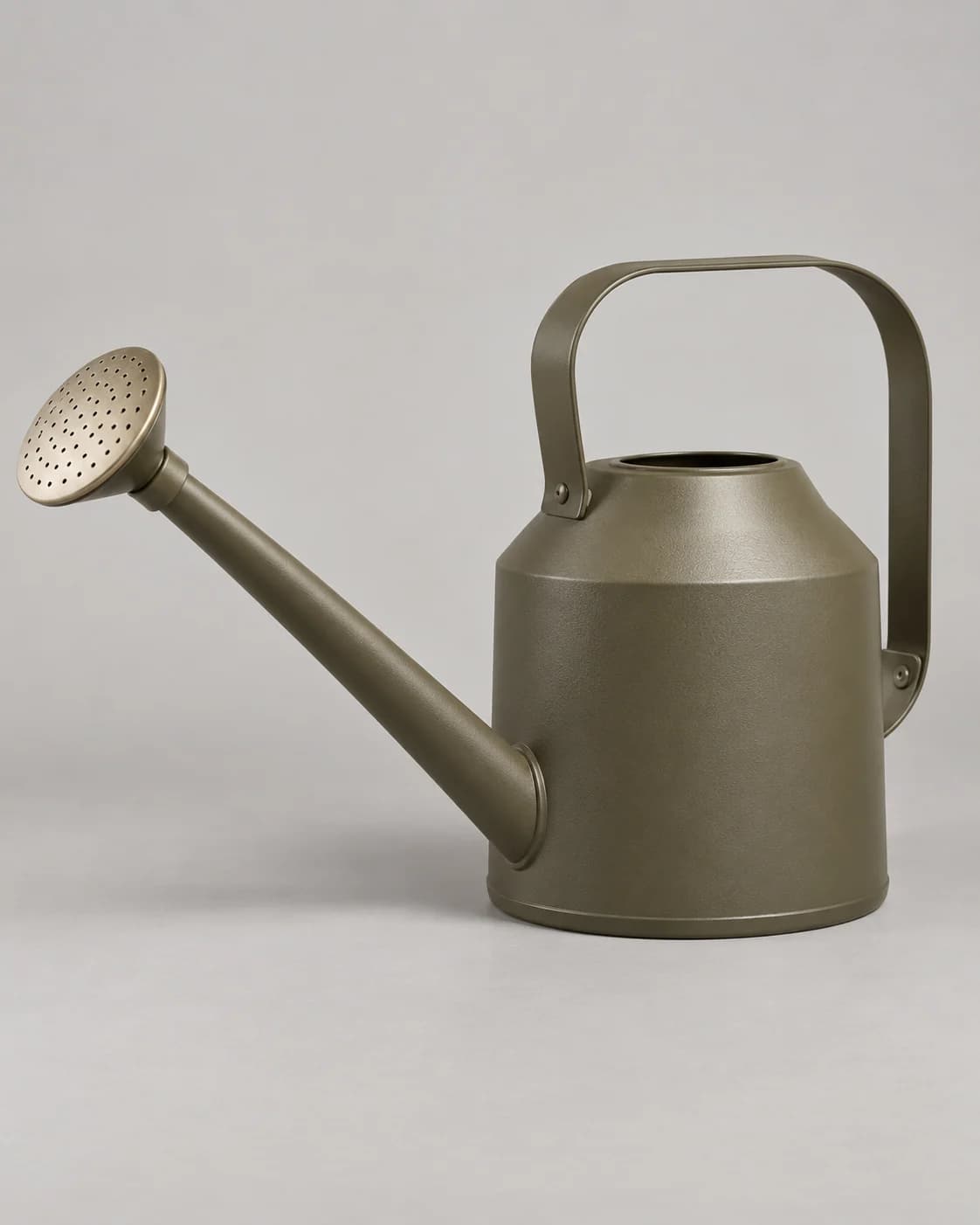
Sculptural olive watering can in a plain seller product photo
Before
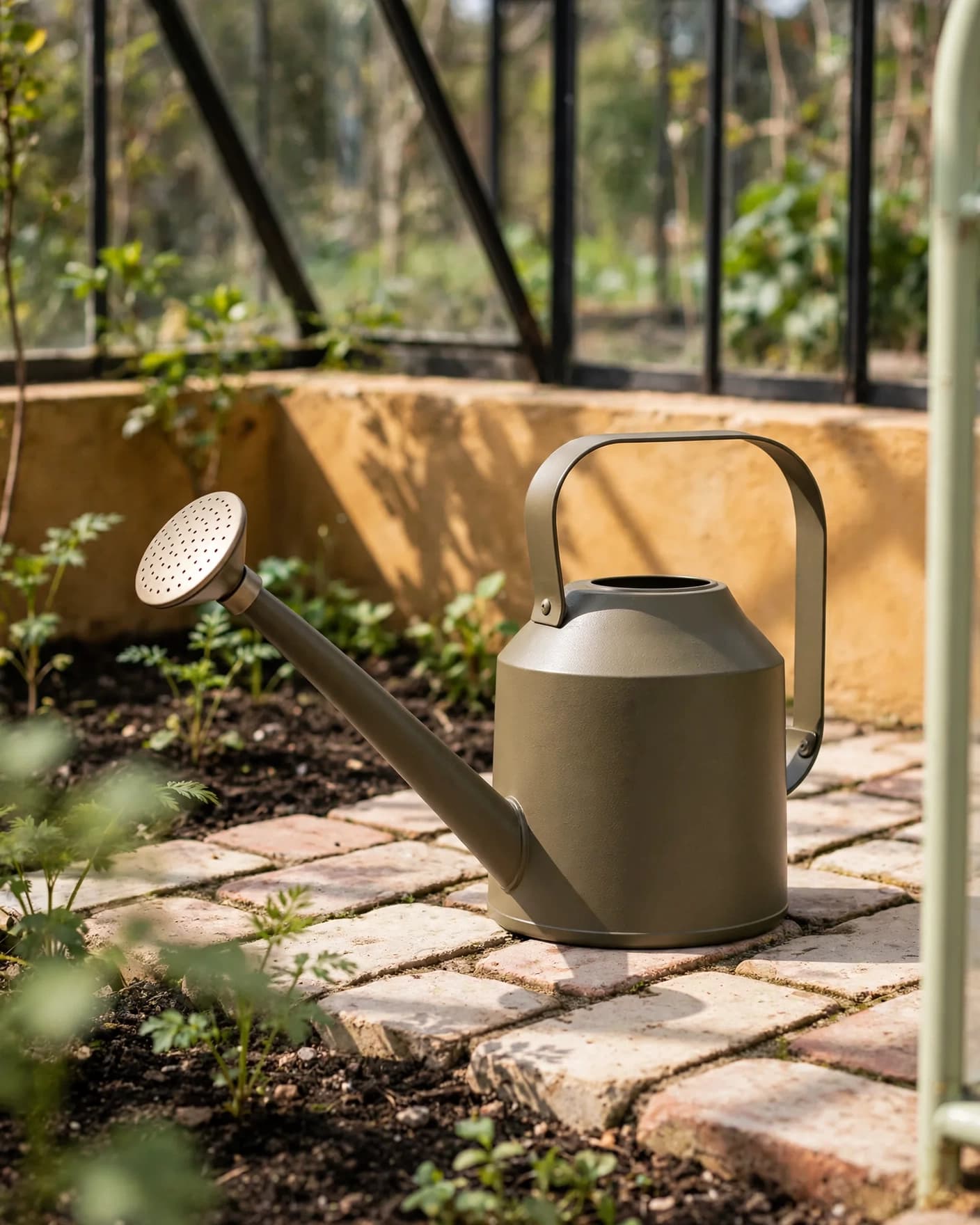
Same sculptural olive watering can in a sunlit greenhouse editorial campaign
After
Use this preset

Upload your product photo. Eligible new users start with 10 one-time image credits.
What this preset does

Change the presentation, not the product.

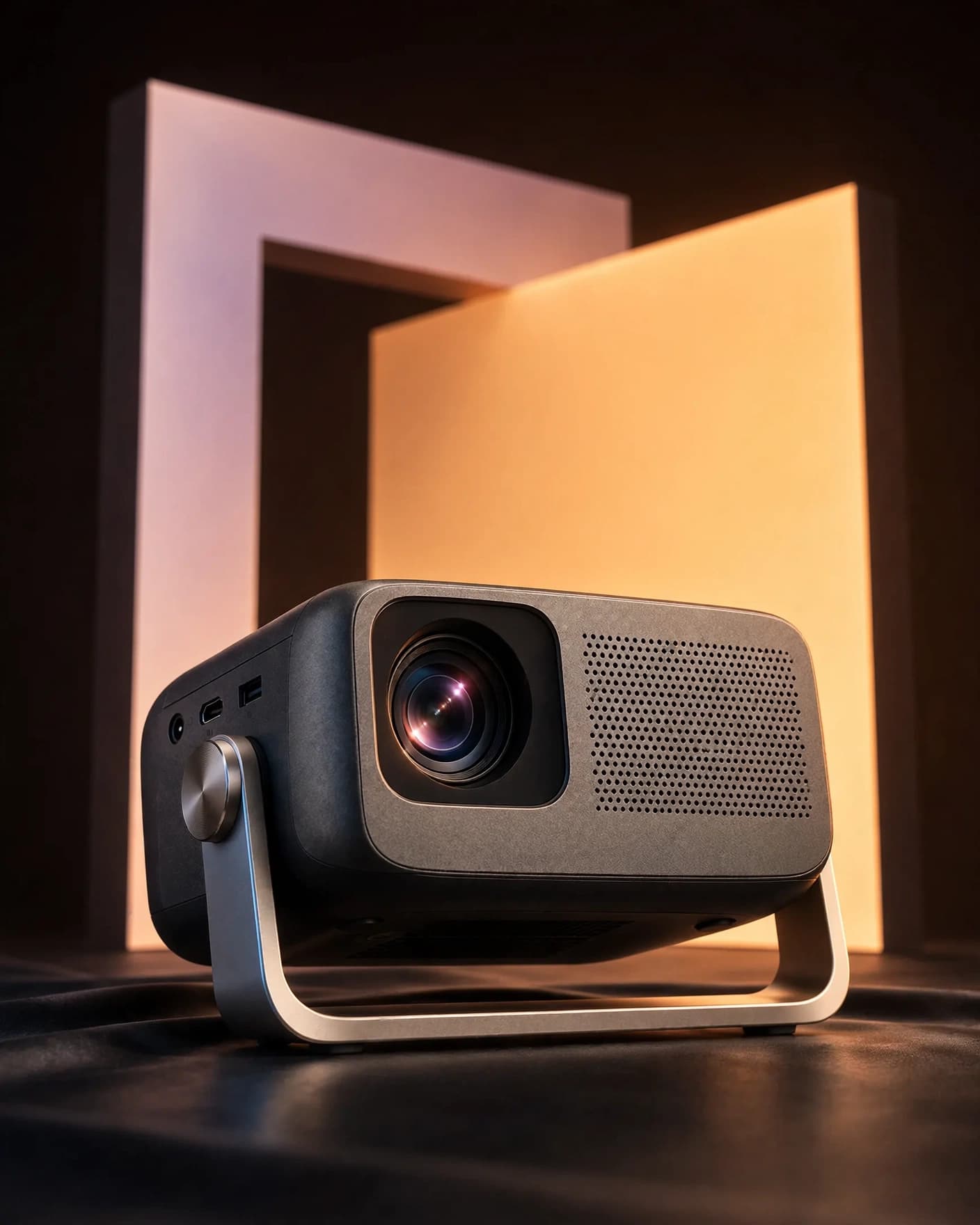
The Editorial Campaign preset places an existing product inside a more expressive, magazine-led composition. It adds intentional setting, light and visual tension while keeping the product readable enough for commercial campaign use.

Creative direction

What changes

  • Introduces an art-directed campaign environment
  • Adds stronger editorial light and composition
  • Builds atmosphere without adding campaign copy
Product truth

What should stay recognizable

  • Product silhouette and functional construction
  • Existing materials, colors and proportions
  • Distinctive product details and recognizability

Commercial use

Where this output fits.

Use the result where it has one clear ecommerce job, then compare it with the real product before publishing.

  • 01Brand and collection campaigns
  • 02Editorial landing pages
  • 03Email and organic social creative

How to use it

From source image to reviewed result.

  1. 01

    Add your product photo

    Use a clear source where the product shape, materials and important details are visible.

  2. 02

    Keep or refine the direction

    Use the preset as-is or add one focused instruction for your brand or campaign.

  3. 03

    Review the result

    Check product identity, construction and any generated details before publishing.

FlowEdit / Privacy

Choose which optional technologies FlowEdit may use on the website.

Essential

Required for authentication, security, billing and core features.

Always active