AI editorial product ad creativeFood & beverage

Turn your product into an editorial brand ad.

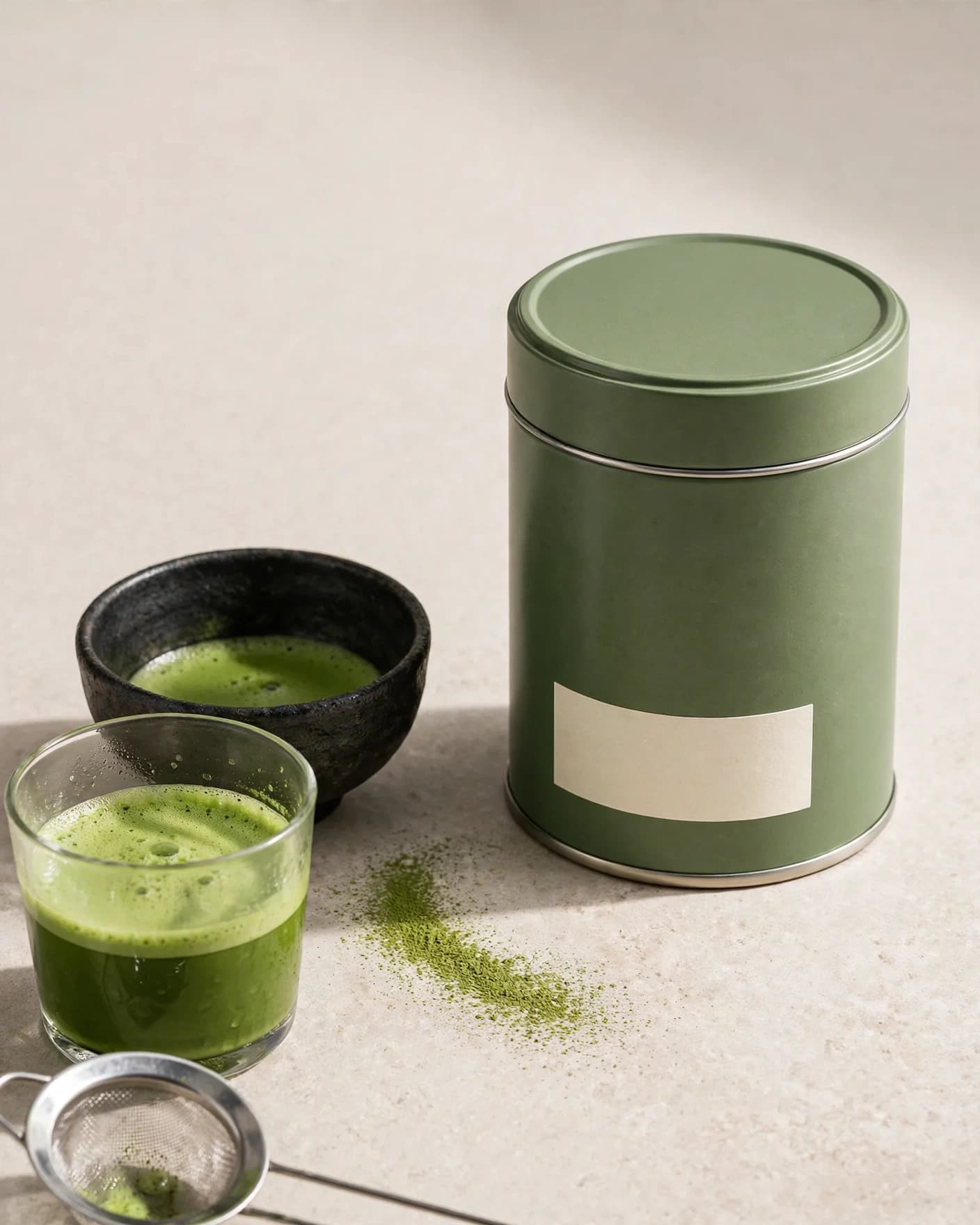
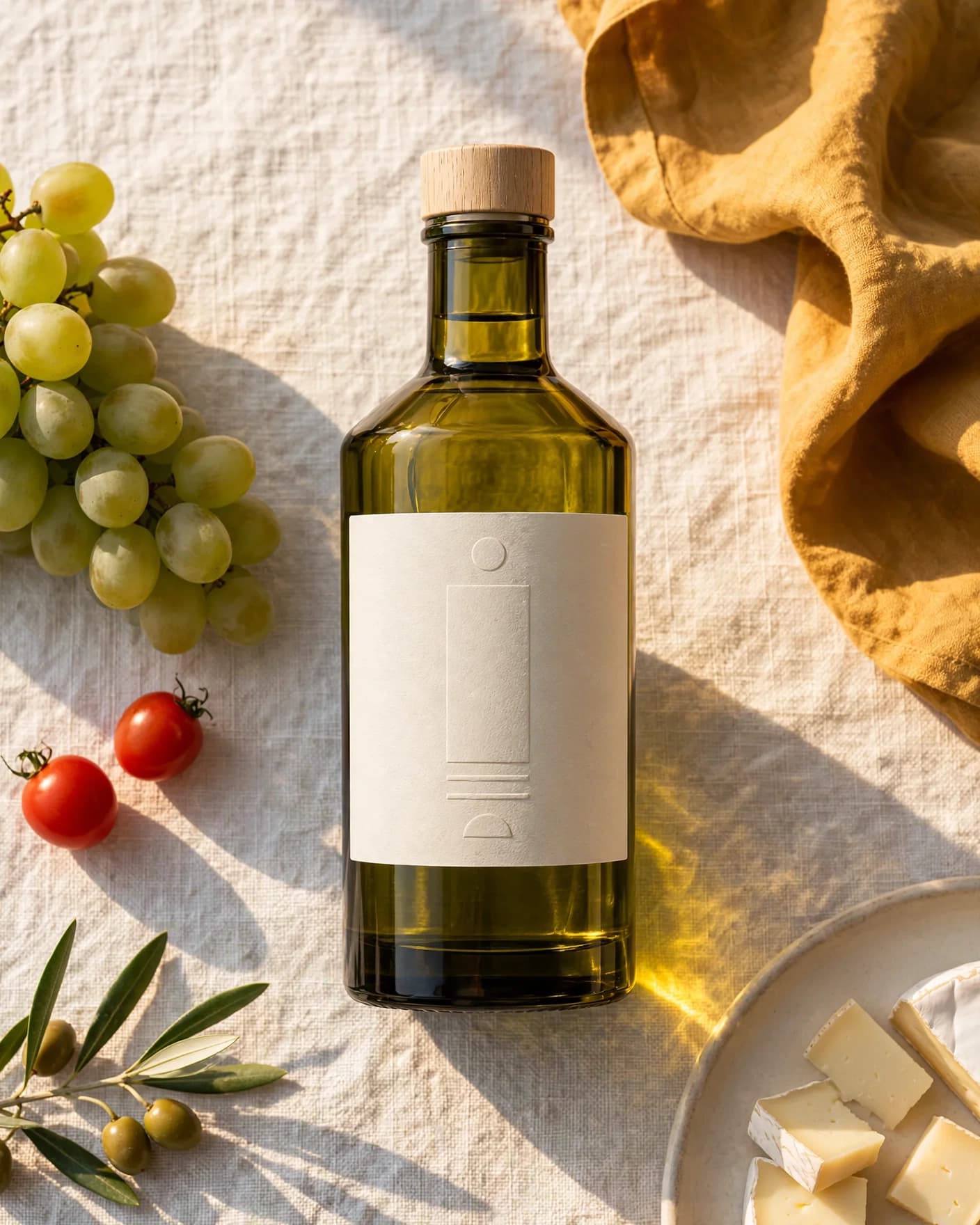
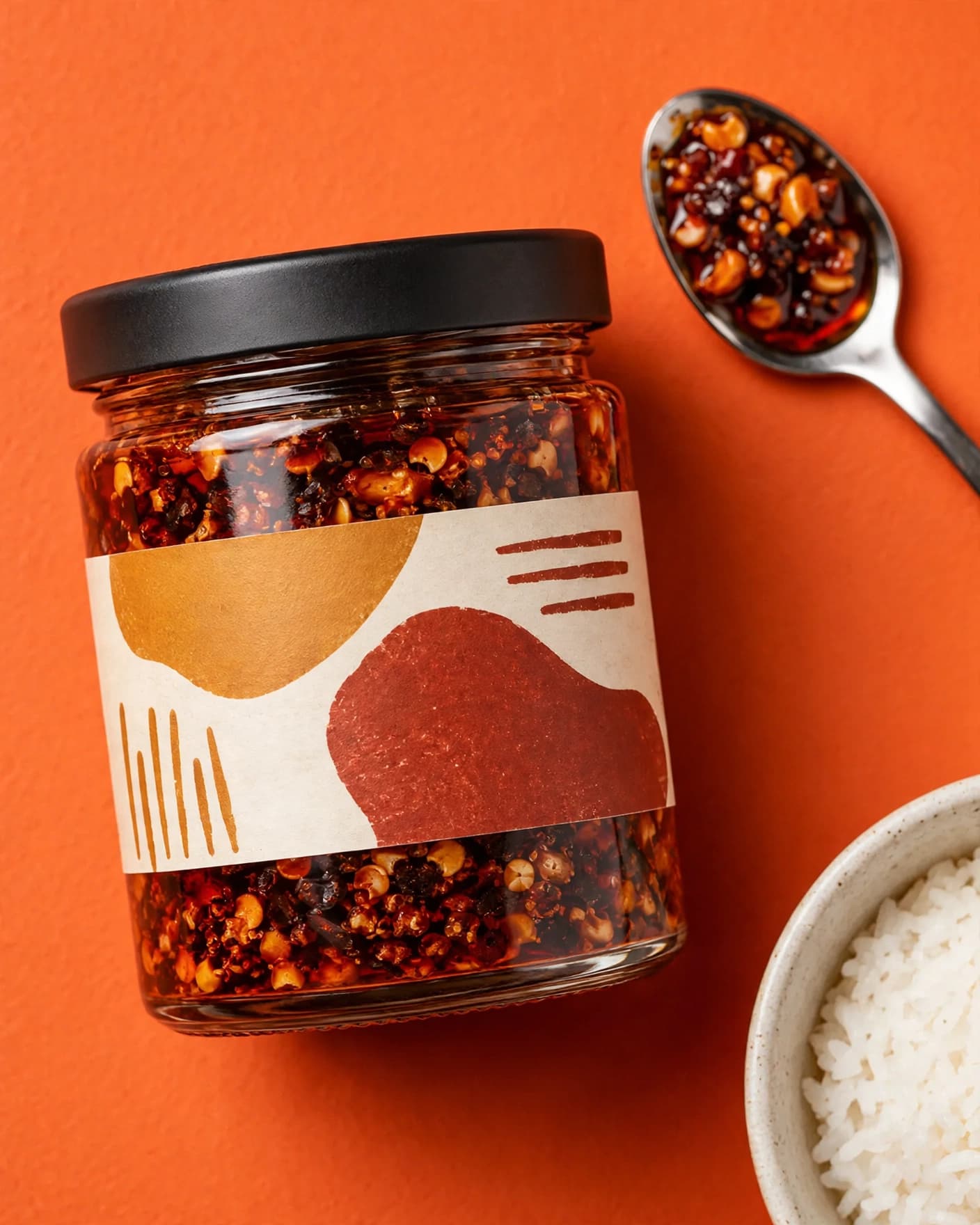
Create a more refined advertising composition while keeping the product clear enough to sell.
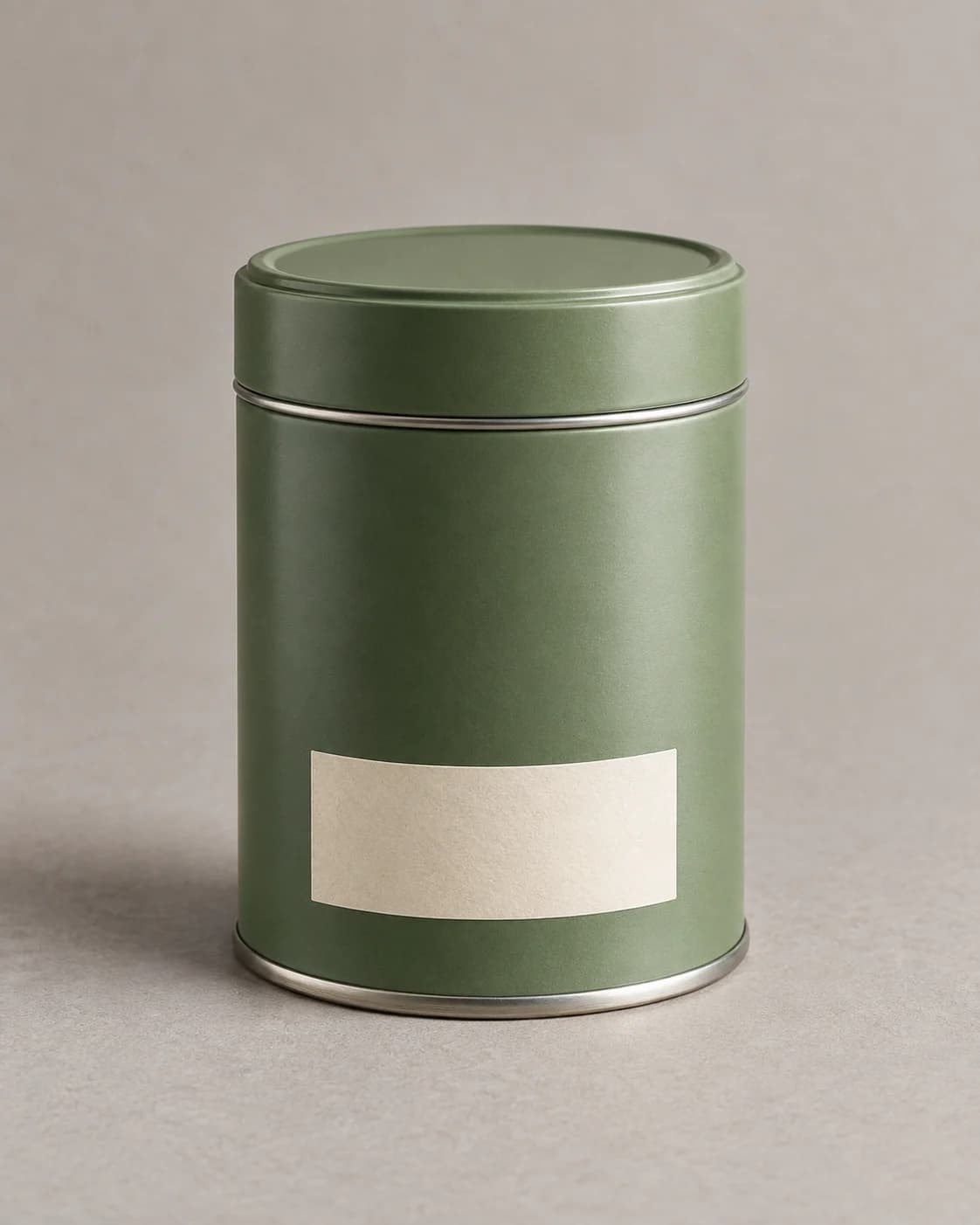
Mineral green matcha tea tin in a clean seller product photo
Before
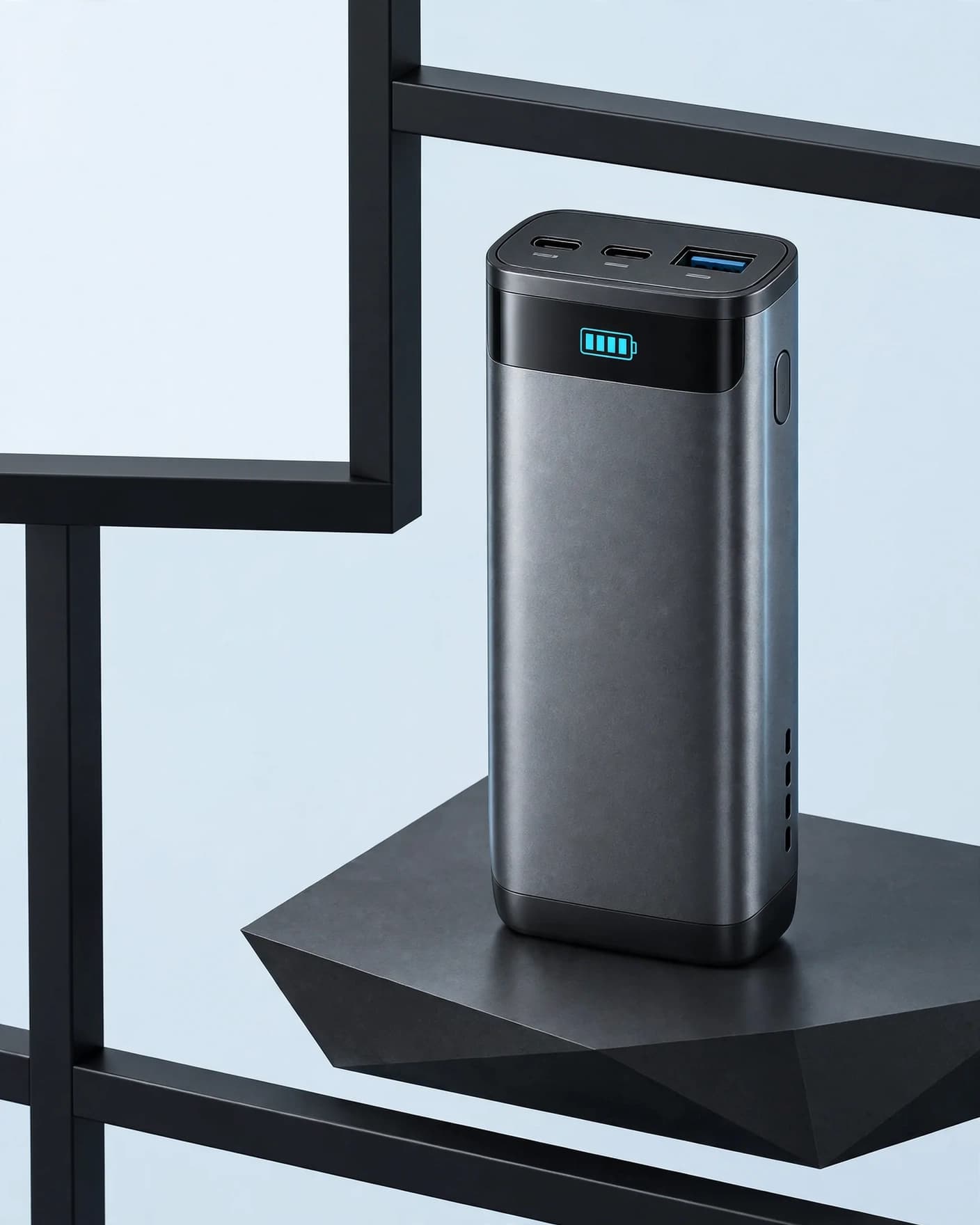
Same mineral green matcha tin in a premium editorial product ad
After
Use this preset

Upload your product photo. Eligible new users start with 10 one-time image credits.
What this preset does

Change the presentation, not the product.

The Editorial Brand Ad preset gives an existing product a more considered advertising world. It combines sculptural styling, material contrast and controlled light without embedding final copy or turning the product into an unrecognizable prop.

Creative direction

What changes

  • Introduces premium editorial styling
  • Adds controlled material and lighting contrast
  • Creates a composed advertising environment
Product truth

What should stay recognizable

  • Package structure and closure
  • Original colors and material finish
  • Product identity and clear commercial hierarchy

Commercial use

Where this output fits.

Use the result where it has one clear ecommerce job, then compare it with the real product before publishing.

  • 01Premium paid social ads
  • 02Brand and collection campaigns
  • 03Email and landing-page creative

How to use it

From source image to reviewed result.

  1. 01

    Add your product photo

    Use a clear source where the product shape, materials and important details are visible.

  2. 02

    Keep or refine the direction

    Use the preset as-is or add one focused instruction for your brand or campaign.

  3. 03

    Review the result

    Check product identity, construction and any generated details before publishing.

FlowEdit / Privacy

Choose which optional technologies FlowEdit may use on the website.

Essential

Required for authentication, security, billing and core features.

Always active