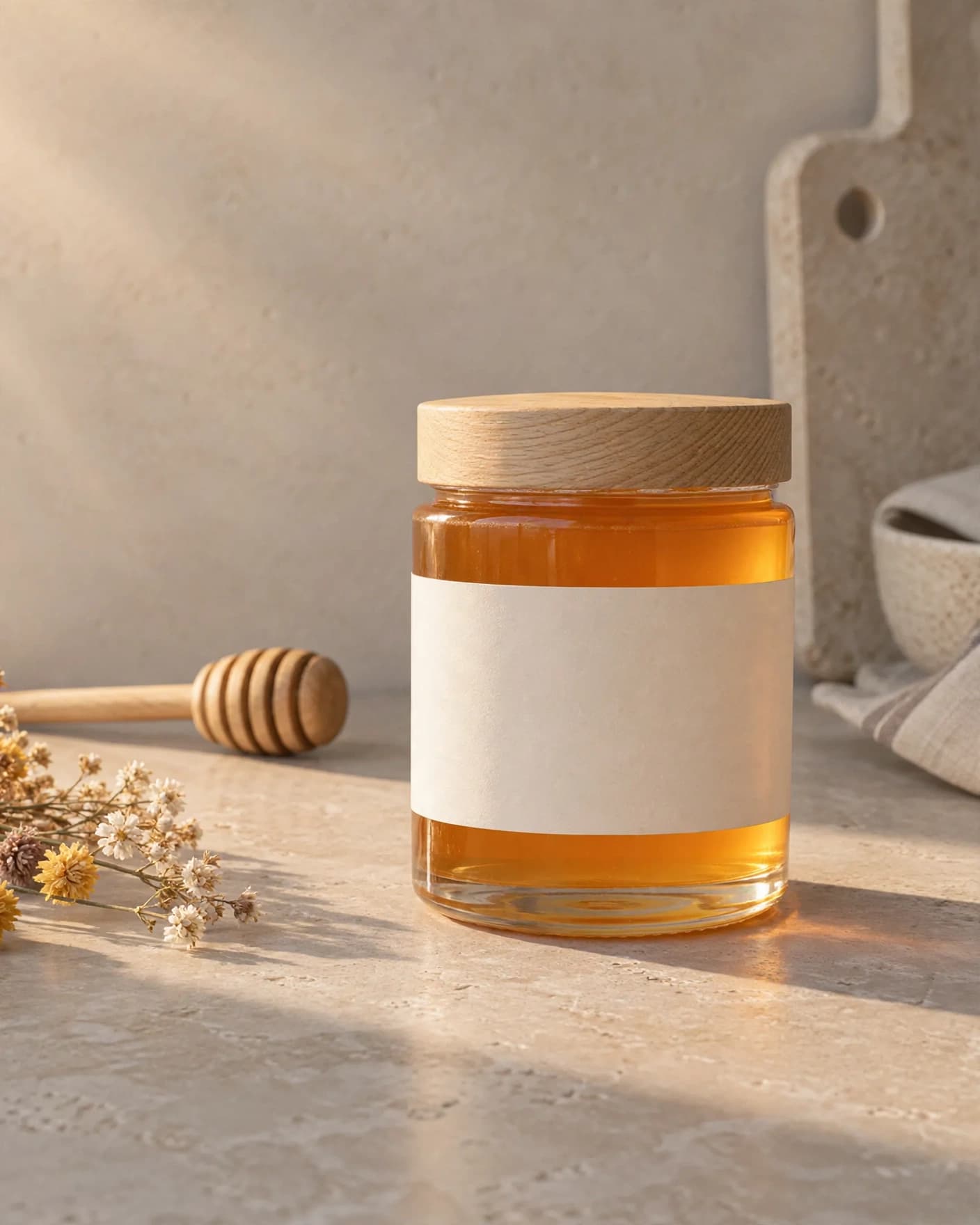
AI commercial product relightingFood & beverage

Improve the light without redesigning the image.

Give an existing product photo more depth and clarity while keeping every object in place.
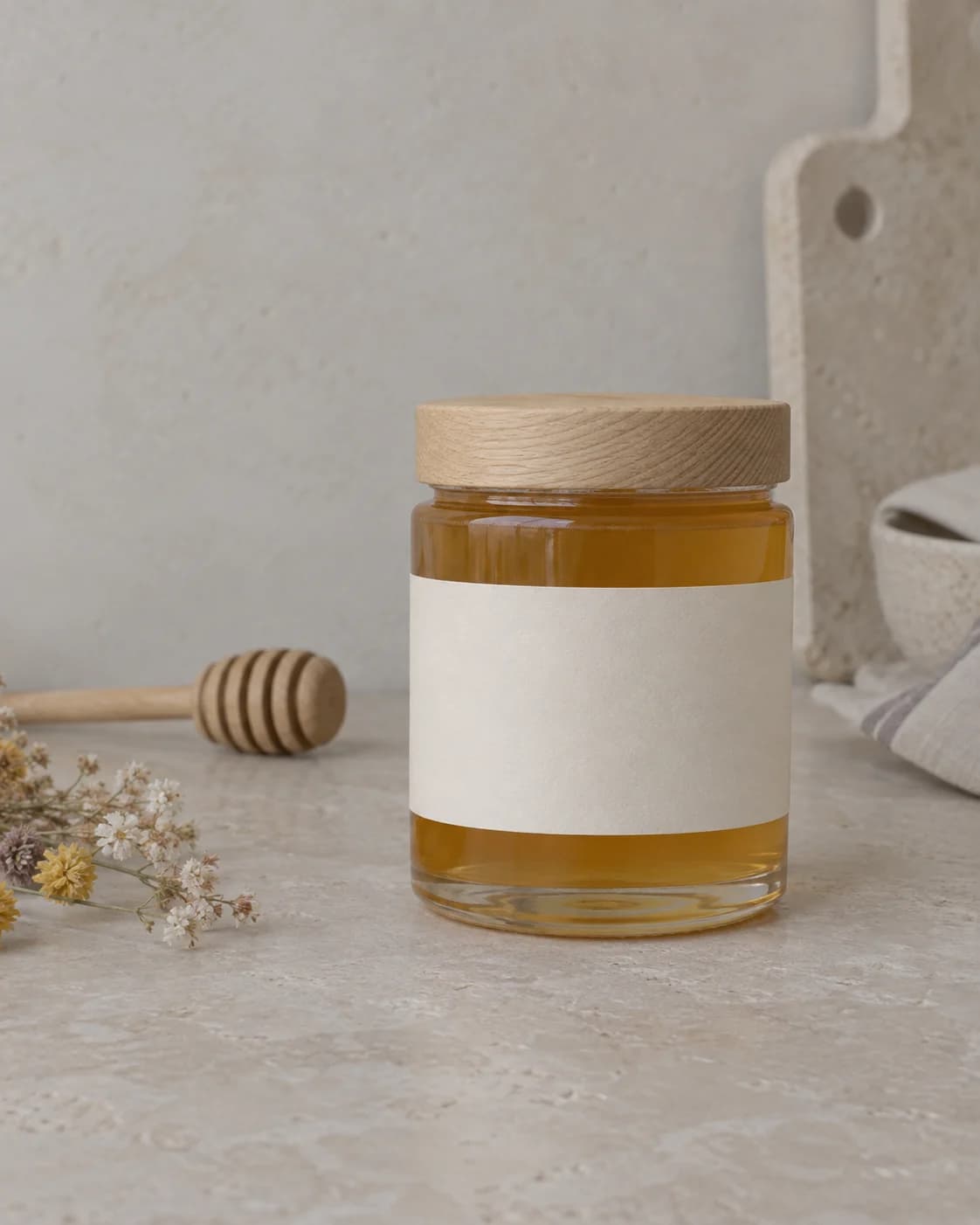
Artisan wildflower honey jar in a softly lit pantry still life
Before
Same honey jar and still life with warm commercial directional lighting
After
Use this preset

Upload your product photo. Eligible new users start with 10 one-time image credits.
What this preset does

Change the presentation, not the product.

The Commercial Relighting preset changes illumination rather than composition. It adds more controlled highlights, contrast and dimensional shadow while preserving the product, props and overall scene already present in the source.

Creative direction

What changes

  • Improves key light and shadow direction
  • Adds clearer material separation and depth
  • Balances contrast for a more commercial finish
Product truth

What should stay recognizable

  • Product, props and complete composition
  • Original geometry, labels and relative scale
  • Scene perspective and object placement

Commercial use

Where this output fits.

Use the result where it has one clear ecommerce job, then compare it with the real product before publishing.

  • 01Product page image refreshes
  • 02Food and packaging campaigns
  • 03Catalog and email creative

How to use it

From source image to reviewed result.

  1. 01

    Add the image to edit

    Choose a clear source where the product and the area you want to change are easy to inspect.

  2. 02

    Set the edit

    Use the preset as-is or add one short instruction for the exact result you need.

  3. 03

    Review the changed area

    Compare the result with the source and check product details before publishing.

FlowEdit / Privacy

Choose which optional technologies FlowEdit may use on the website.

Essential

Required for authentication, security, billing and core features.

Always active