AI product background clutter removalHome & living

Clear the distractions around your product.

Remove background clutter while keeping the useful setting and product details intact.
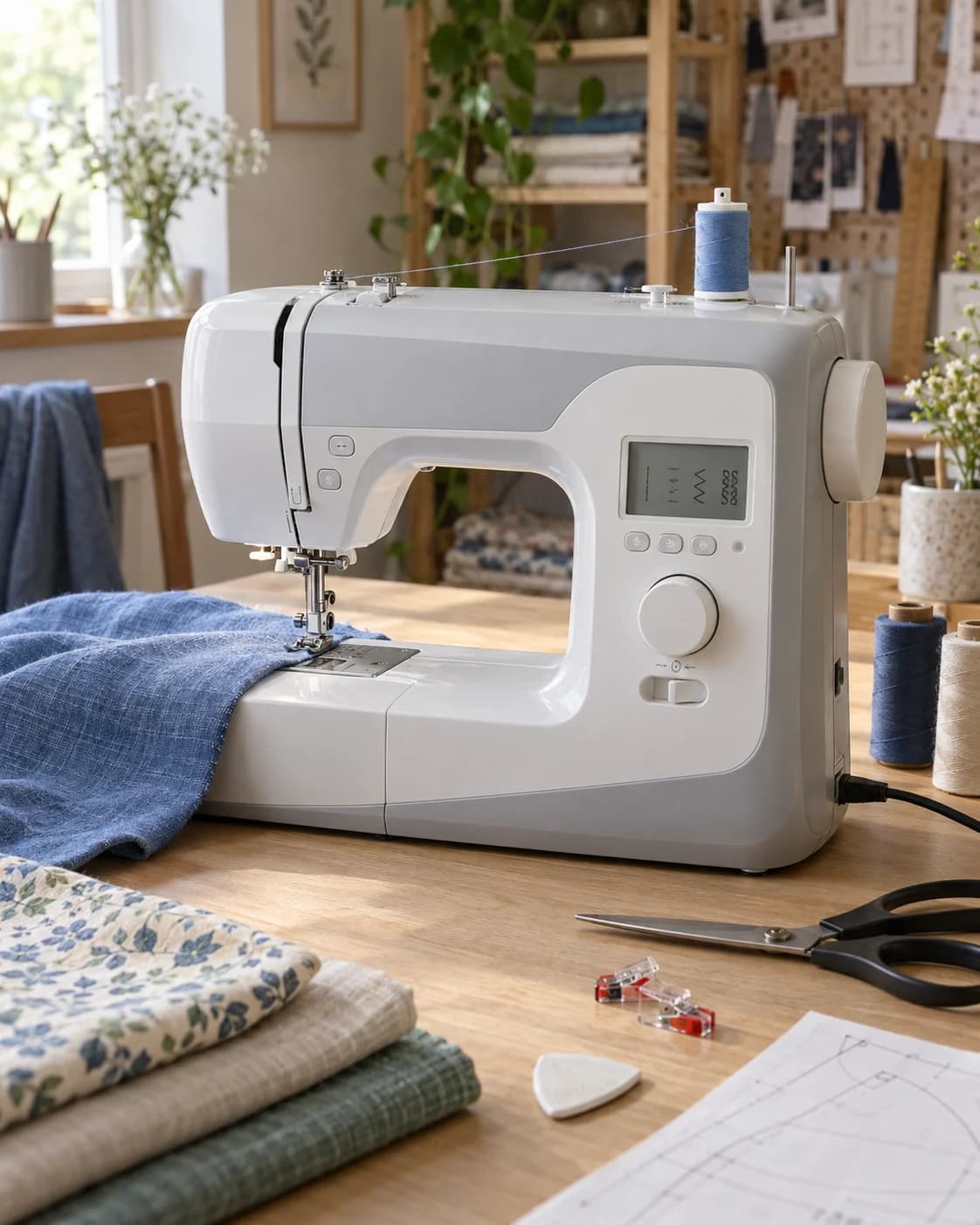
Compact sewing machine surrounded by distracting objects in a working craft space
Before
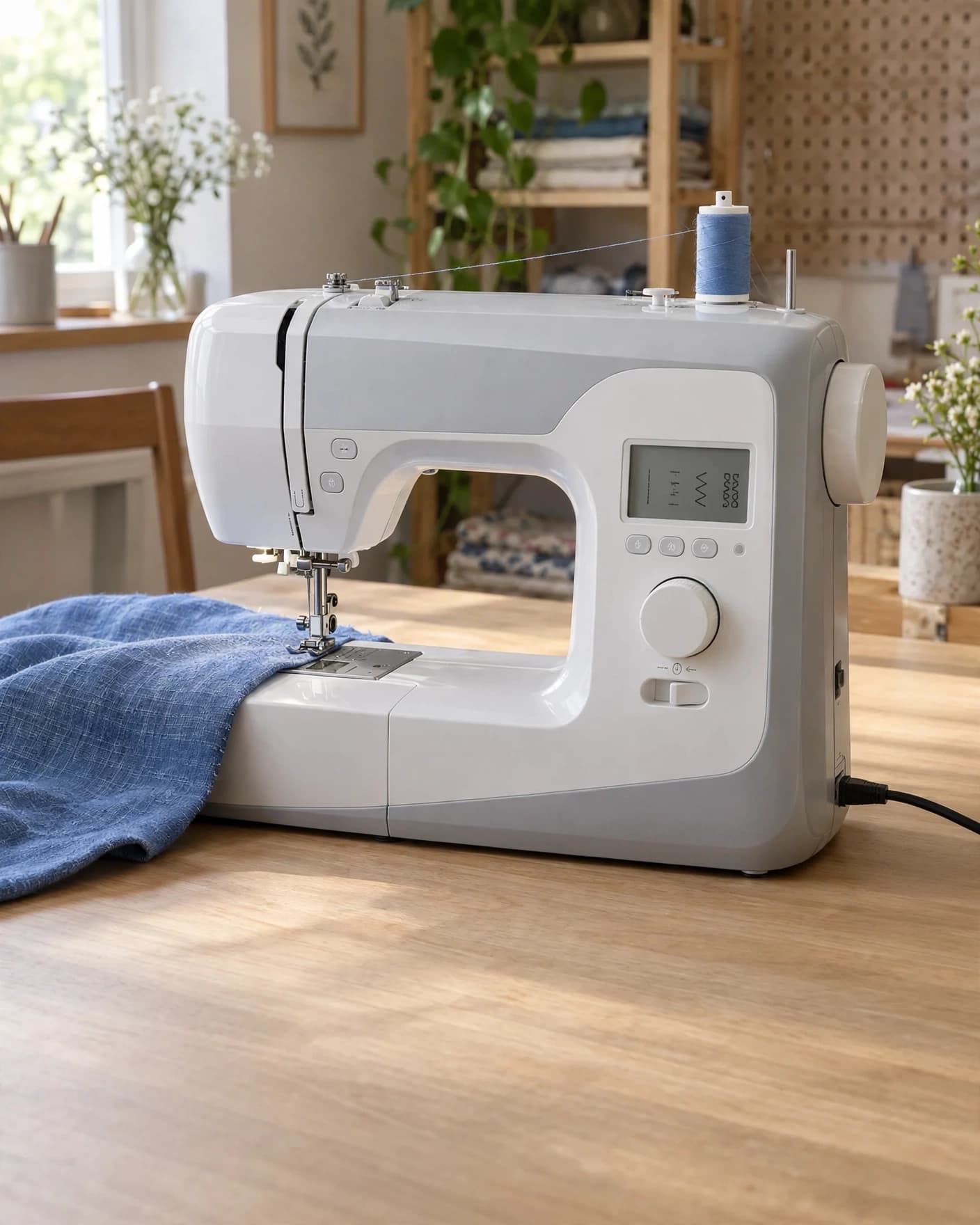
Same compact sewing machine in a naturally cleared working space
After
Use this preset

Upload your product photo. Eligible new users start with 10 one-time image credits.
What this preset does

Change the presentation, not the product.

The Remove Background Clutter preset cleans distracting objects from around an existing product without replacing the complete scene. It reconstructs the cleared areas so the image remains believable and the product becomes easier to evaluate.

Creative direction

What changes

  • Removes distracting background objects
  • Reconstructs cleared surfaces and scene details
  • Simplifies the visual hierarchy around the product
Product truth

What should stay recognizable

  • The complete product and working setup
  • Original perspective, lighting direction and scale
  • Useful context that explains how the product is used

Commercial use

Where this output fits.

Use the result where it has one clear ecommerce job, then compare it with the real product before publishing.

  • 01Product detail and marketplace images
  • 02Workshop and behind-the-scenes content
  • 03Catalog cleanup and listing refreshes

How to use it

From source image to reviewed result.

  1. 01

    Add the image to edit

    Choose a clear source where the product and the area you want to change are easy to inspect.

  2. 02

    Set the edit

    Use the preset as-is or add one short instruction for the exact result you need.

  3. 03

    Review the changed area

    Compare the result with the source and check product details before publishing.

FlowEdit / Privacy

Choose which optional technologies FlowEdit may use on the website.

Essential

Required for authentication, security, billing and core features.

Always active