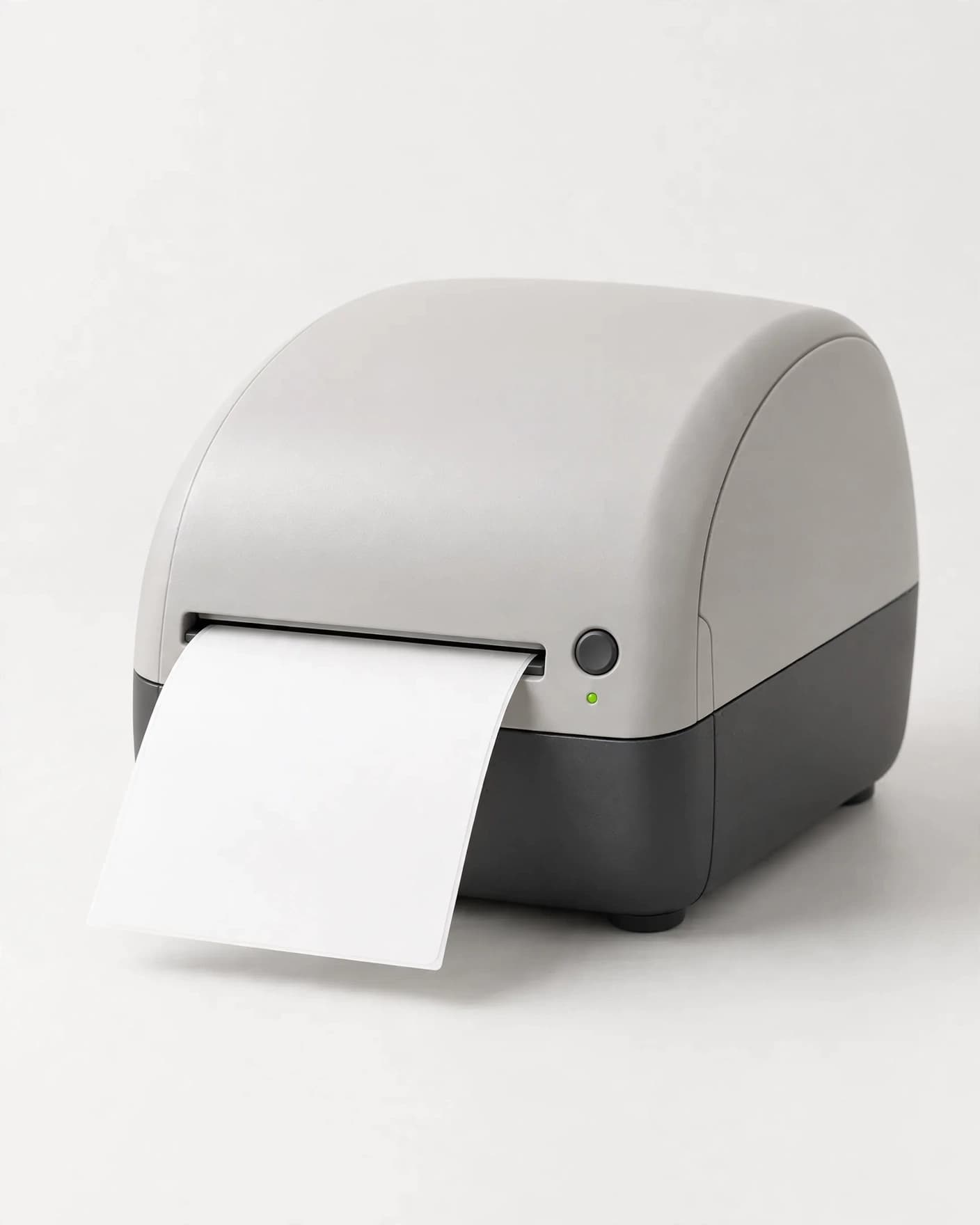
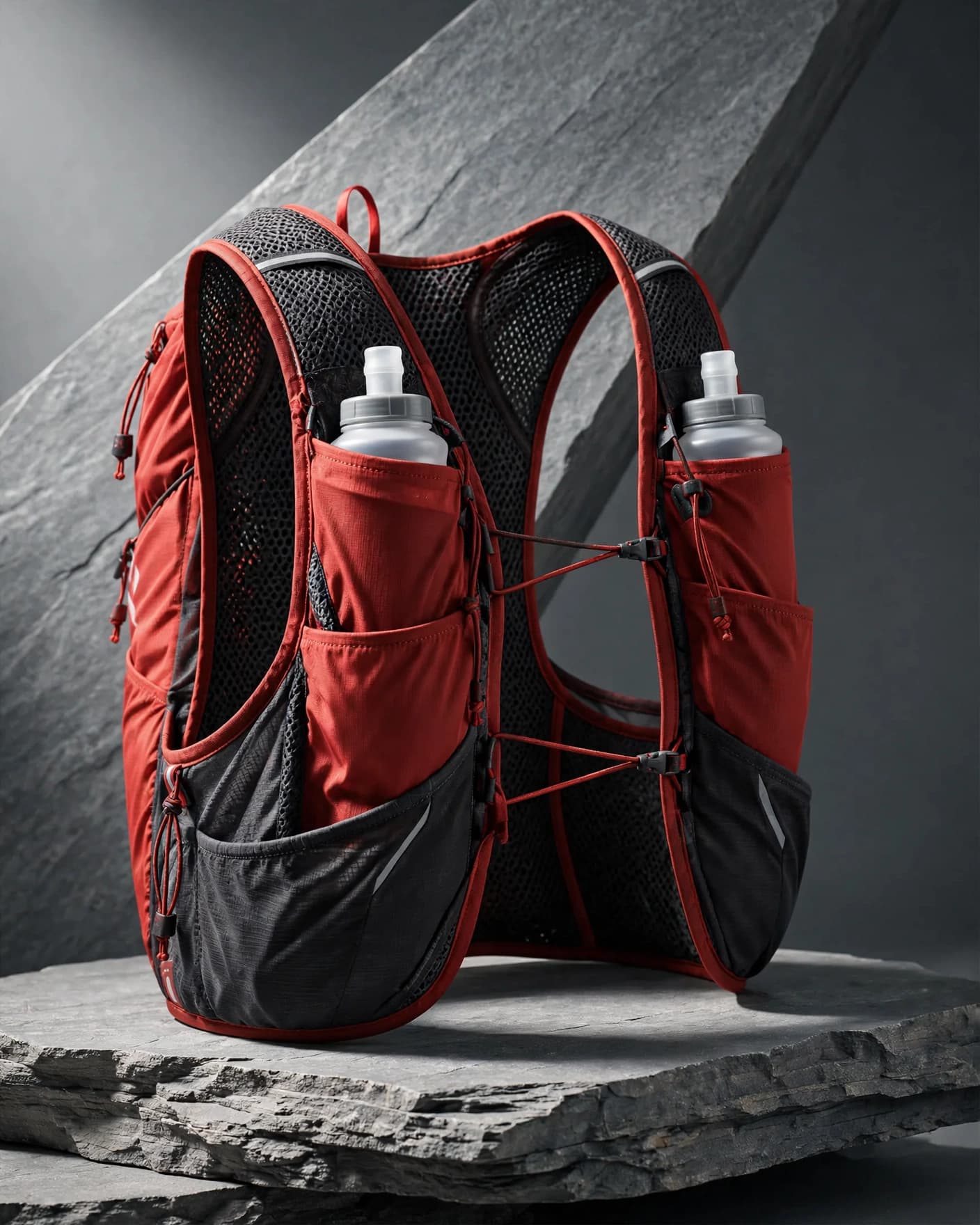
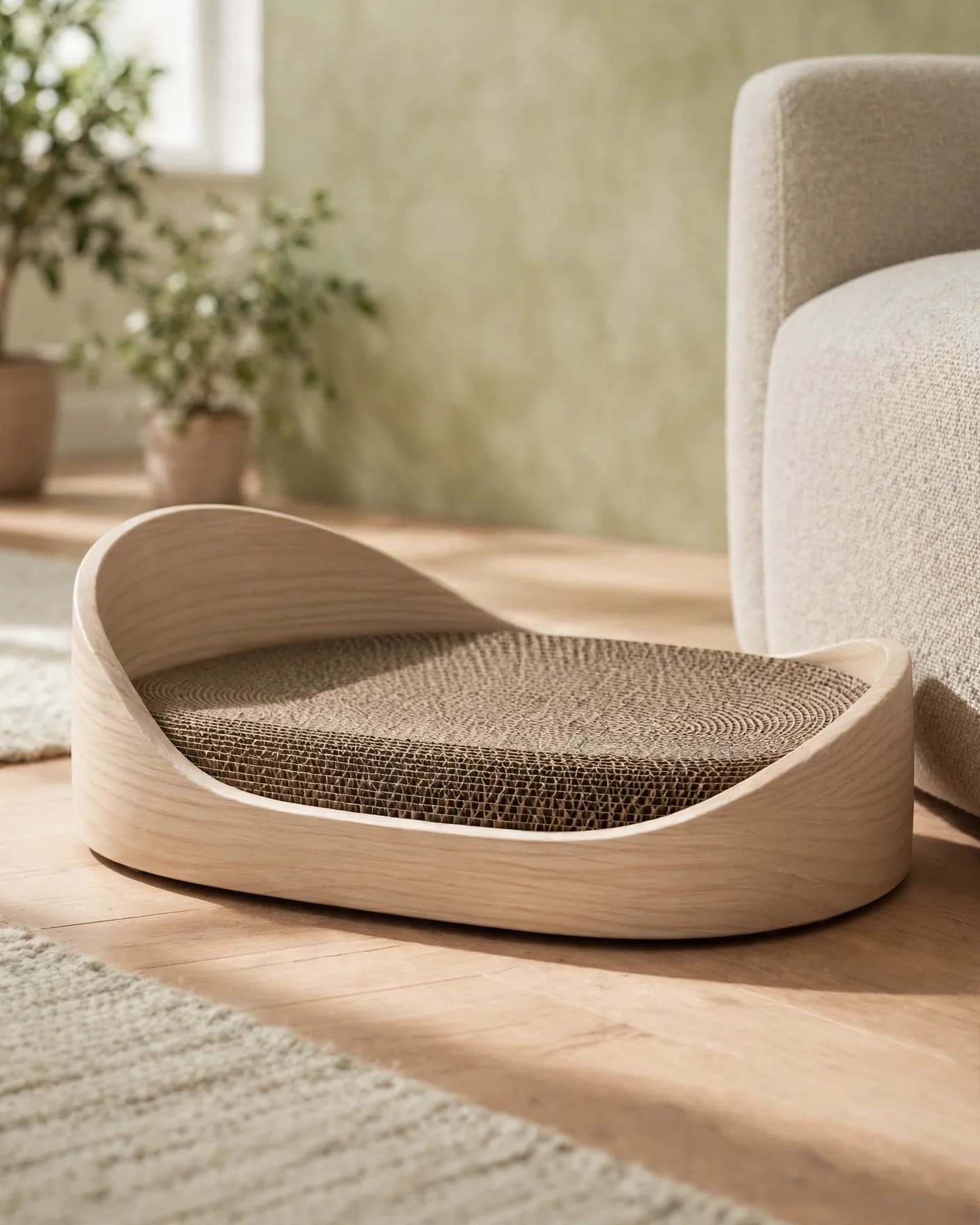
AI studio product photographyOffice & ecommerce

Create clean studio product photography.

Turn one ordinary product image into a polished studio shot for your store, catalog or launch.
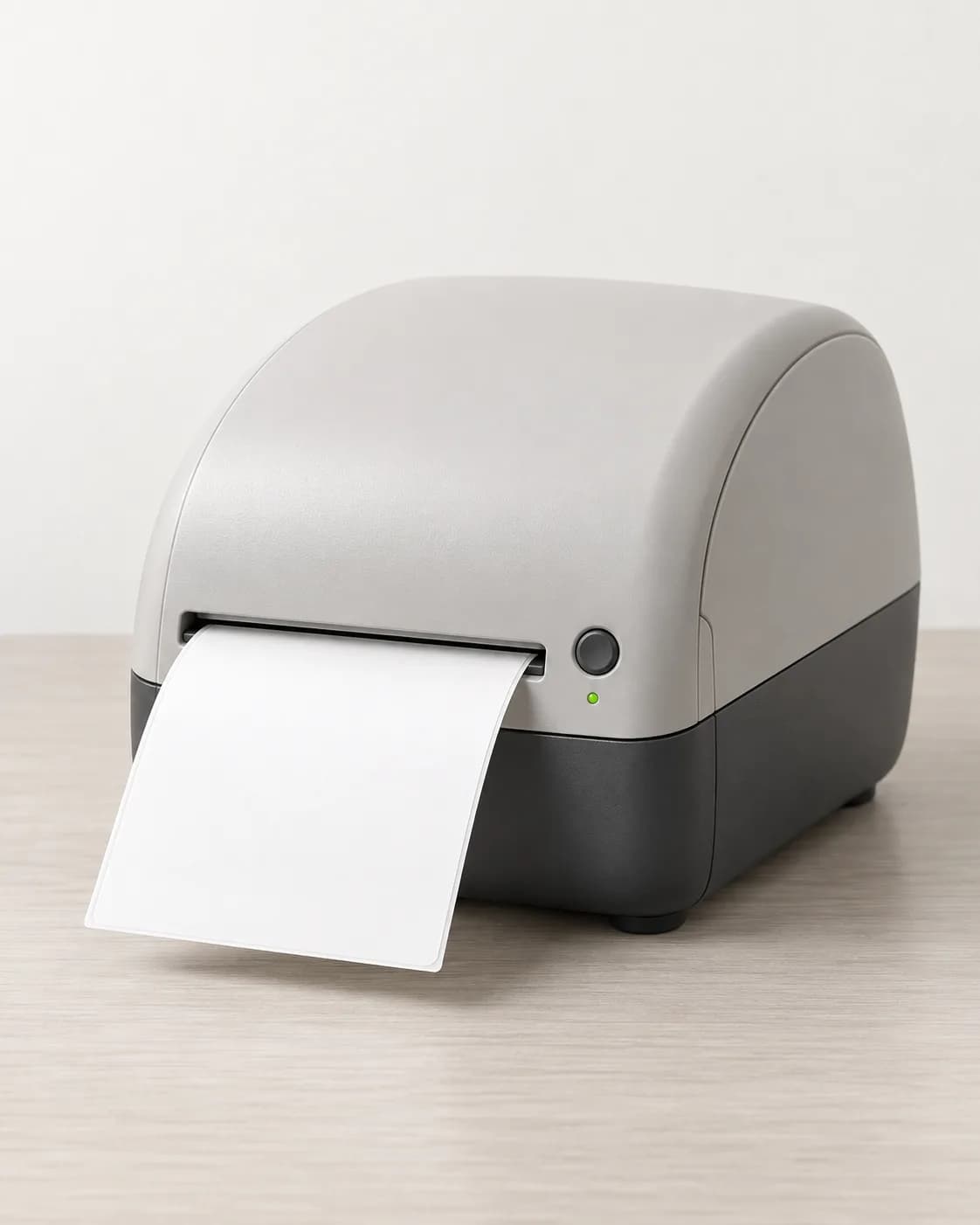
Compact thermal label printer in a plain seller product photo
Before
Same compact thermal label printer in clean studio product photography
After
Use this preset

Upload your product photo. Eligible new users start with 10 one-time image credits.
What this preset does

Change the presentation, not the product.

The Clean Studio preset removes visual noise and gives the product a controlled ecommerce presentation. It is designed for teams that need a sharper catalog-ready image without organizing another studio shoot.

Creative direction

What changes

  • Introduces a clean seamless studio setting
  • Balances diffused light and material separation
  • Adds a soft, believable grounding shadow
Product truth

What should stay recognizable

  • Product geometry and proportions
  • Existing colors, materials and construction
  • Packaging, labels and distinctive details

Commercial use

Where this output fits.

Use the result where it has one clear ecommerce job, then compare it with the real product before publishing.

  • 01Product detail pages
  • 02Marketplace and catalog listings
  • 03Launch decks and line sheets

How to use it

From source image to reviewed result.

  1. 01

    Add your product image

    Use a clear source photo where the whole product and its important details are visible.

  2. 02

    Review the preset

    Keep the studio direction or add a short instruction for the background tone or crop you need.

  3. 03

    Generate your studio shot

    FlowEdit applies the lighting and presentation while keeping the product recognizable.

FlowEdit / Privacy

Choose which optional technologies FlowEdit may use on the website.

Essential

Required for authentication, security, billing and core features.

Always active