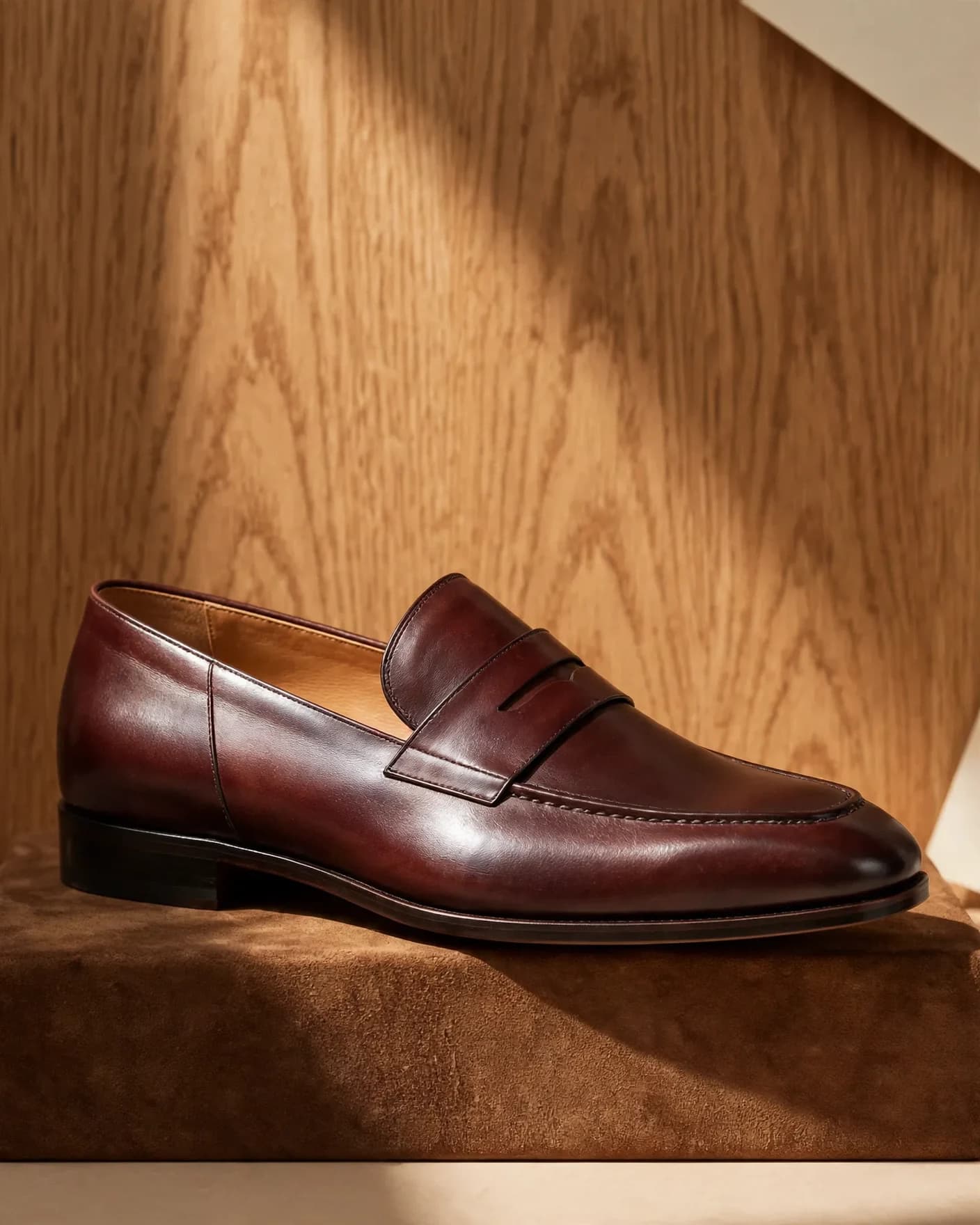
AI shoe product photographyFootwear

Create shoe product photography from the image you already have.

Build a stronger commercial setting while keeping the uploaded shoe as the product reference.
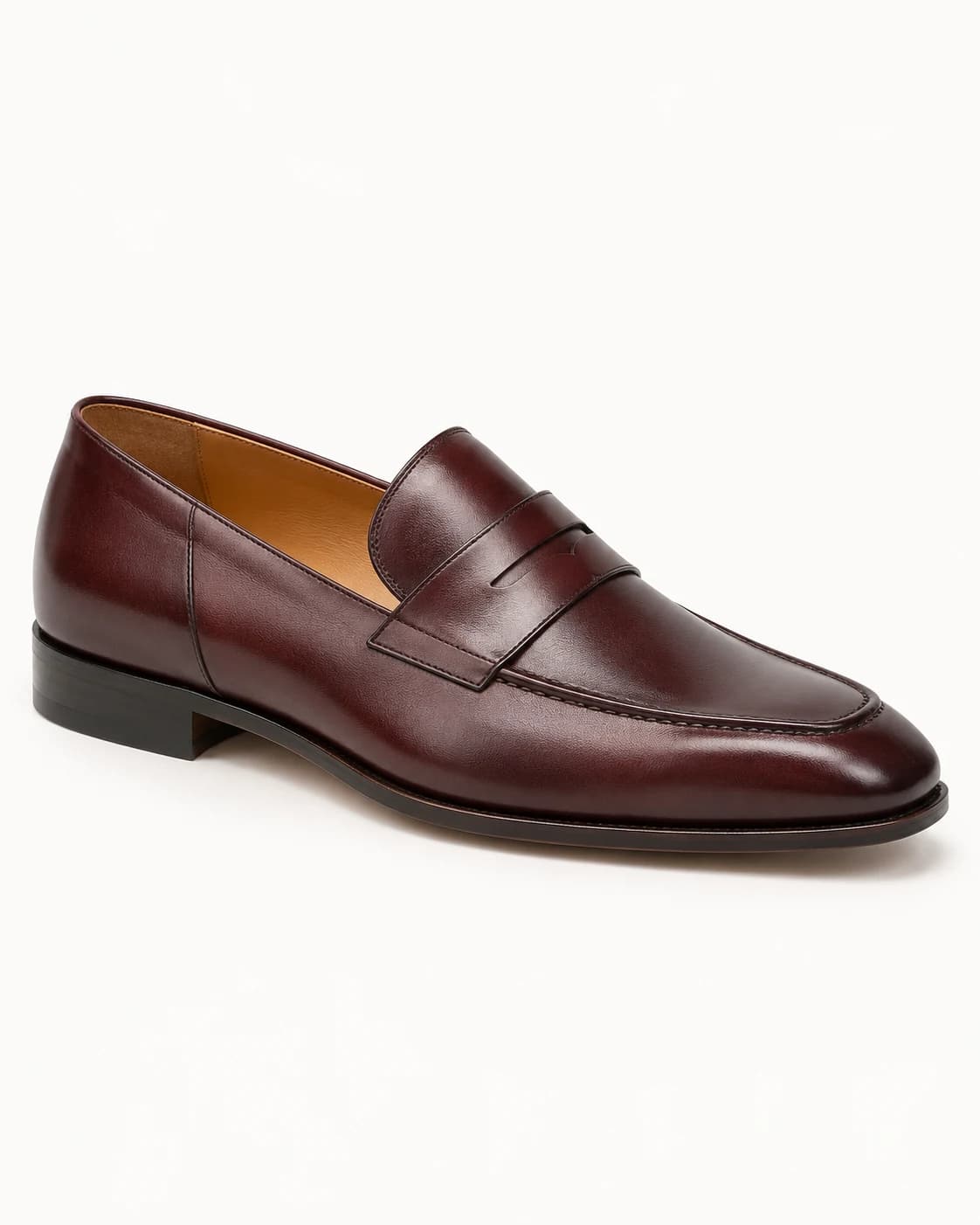
Mulberry leather loafer in a clean ecommerce source photograph
Before
Same mulberry leather loafer in warm professionally directed product photography
After
Use this preset

Upload your product photo. Eligible new users start with 10 one-time image credits.

What this preset does

Change the presentation, not the product.

This AI shoe product photography preset turns one complete footwear image into a professionally directed ecommerce scene while keeping the silhouette, sole, upper construction, seams, materials, and original color easy to review.

Creative direction

What changes

  • Builds a professionally directed setting around the uploaded shoe
  • Adds controlled light, surface contact, depth, and commercial polish
  • Creates a product-dominant portrait composition for ecommerce campaigns
Product truth

What should stay recognizable

  • Complete shoe silhouette, toe, heel, and sole geometry
  • Upper panels, seams, stitching, fastening, and material transitions
  • Original proportions, color blocking, and distinctive construction details

Commercial use

Where this output fits.

Use the result where it has one clear ecommerce job, then compare it with the real product before publishing.

  • 01Footwear product and collection pages
  • 02Launch and seasonal campaigns
  • 03Paid social, organic content, and email creative

How to use it

From source image to reviewed result.

  1. 01

    Upload the complete shoe

    Choose a well-lit image where the full shoe, sole, toe, heel, seams, and material transitions are easy to inspect.

  2. 02

    Set the commercial direction

    Keep the preset or add one focused instruction about the surface, lighting, environment, or campaign context that fits the product.

  3. 03

    Review every construction detail

    Check the silhouette, sole, seams, stitching, materials, color, shadows, contact, and crop before publishing the result.

FlowEdit / Privacy

Choose which optional technologies FlowEdit may use on the website.

Essential

Required for authentication, security, billing and core features.

Always active