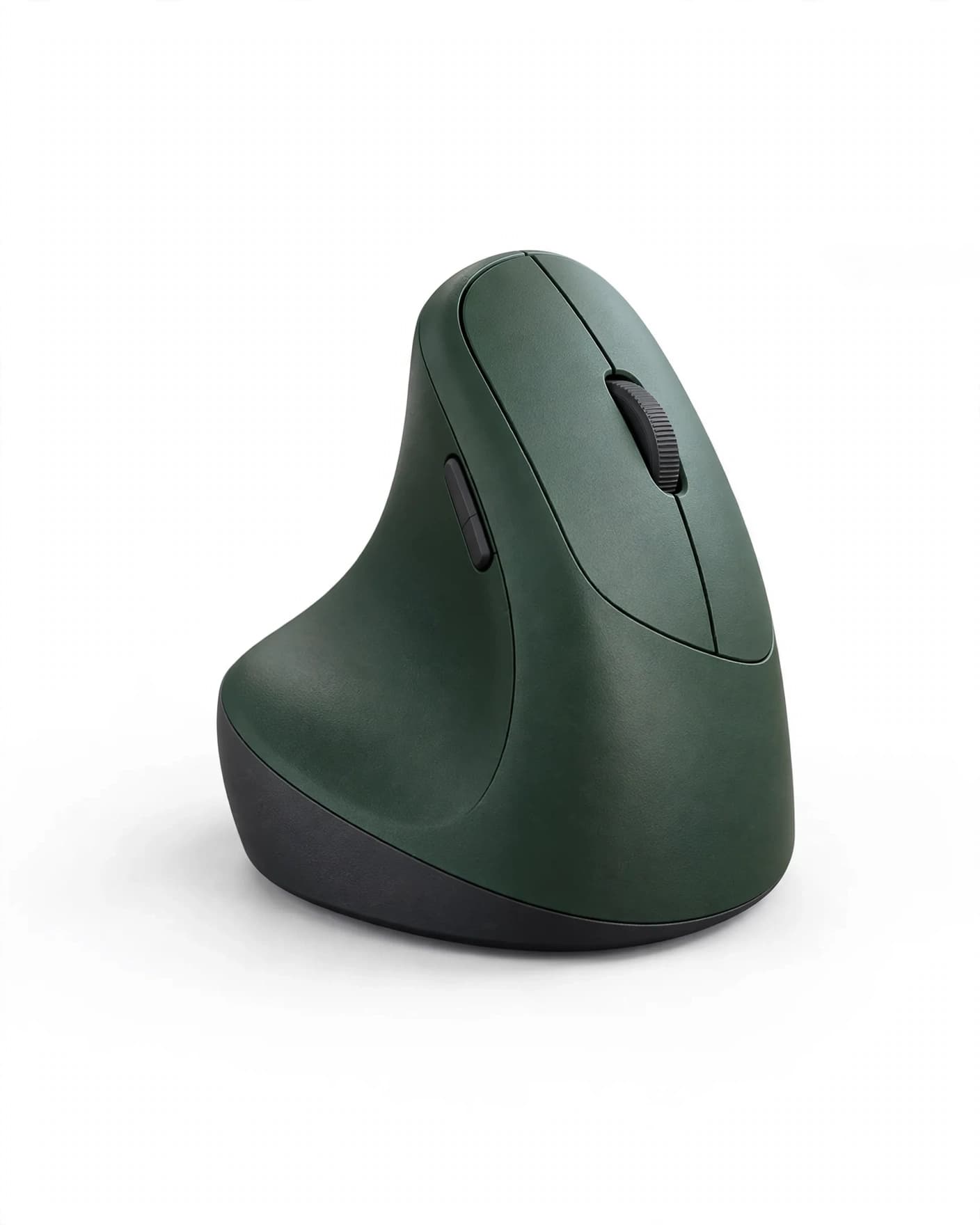
AI clean white product backgroundOffice & tech

Put your product on a clean white background.

Remove the surrounding scene while keeping the product itself unchanged and naturally grounded.
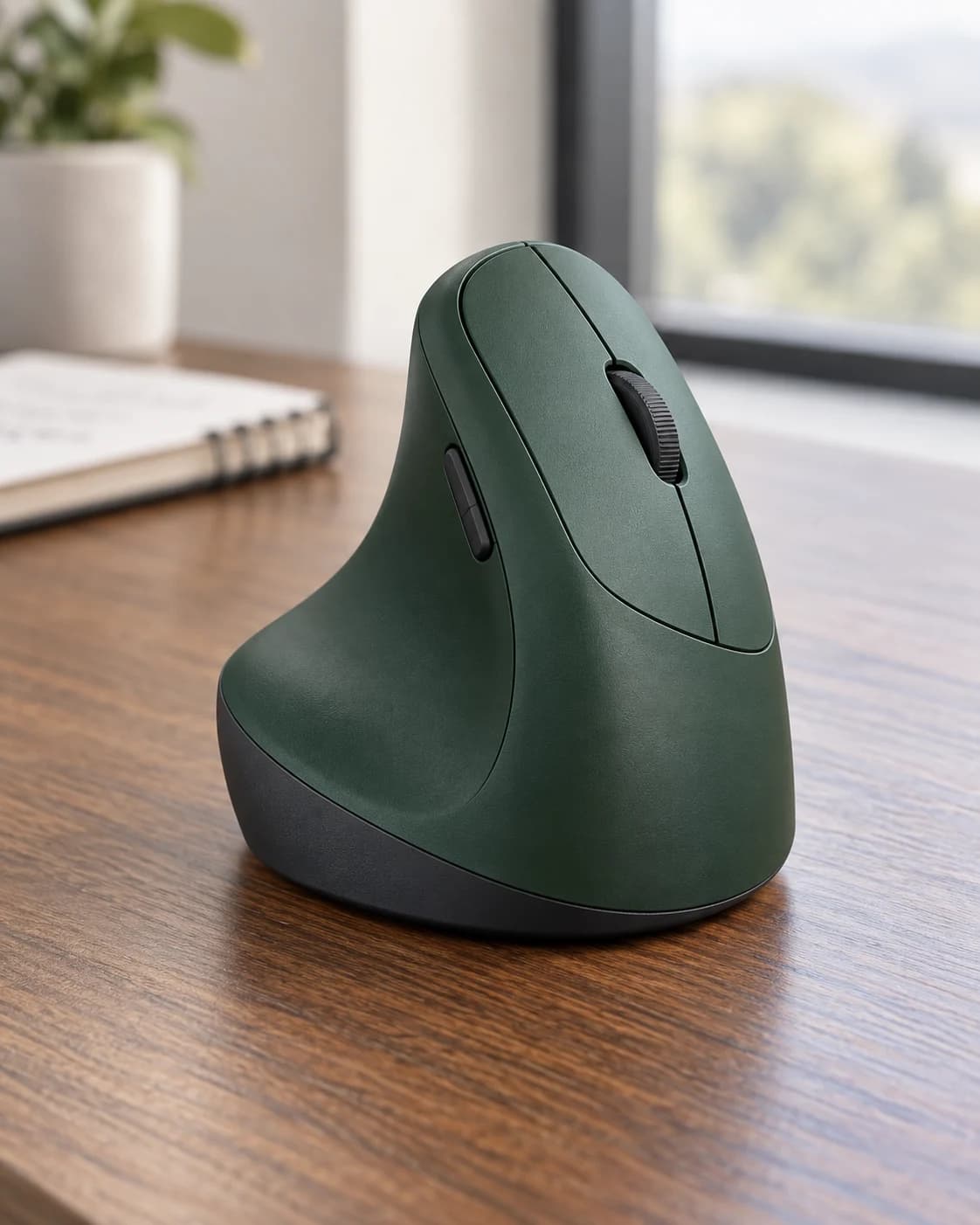
Forest green ergonomic vertical mouse in an ordinary desk setting
Before
Same ergonomic vertical mouse isolated on a clean white ecommerce background
After
Use this preset

Upload your product photo. Eligible new users start with 10 one-time image credits.
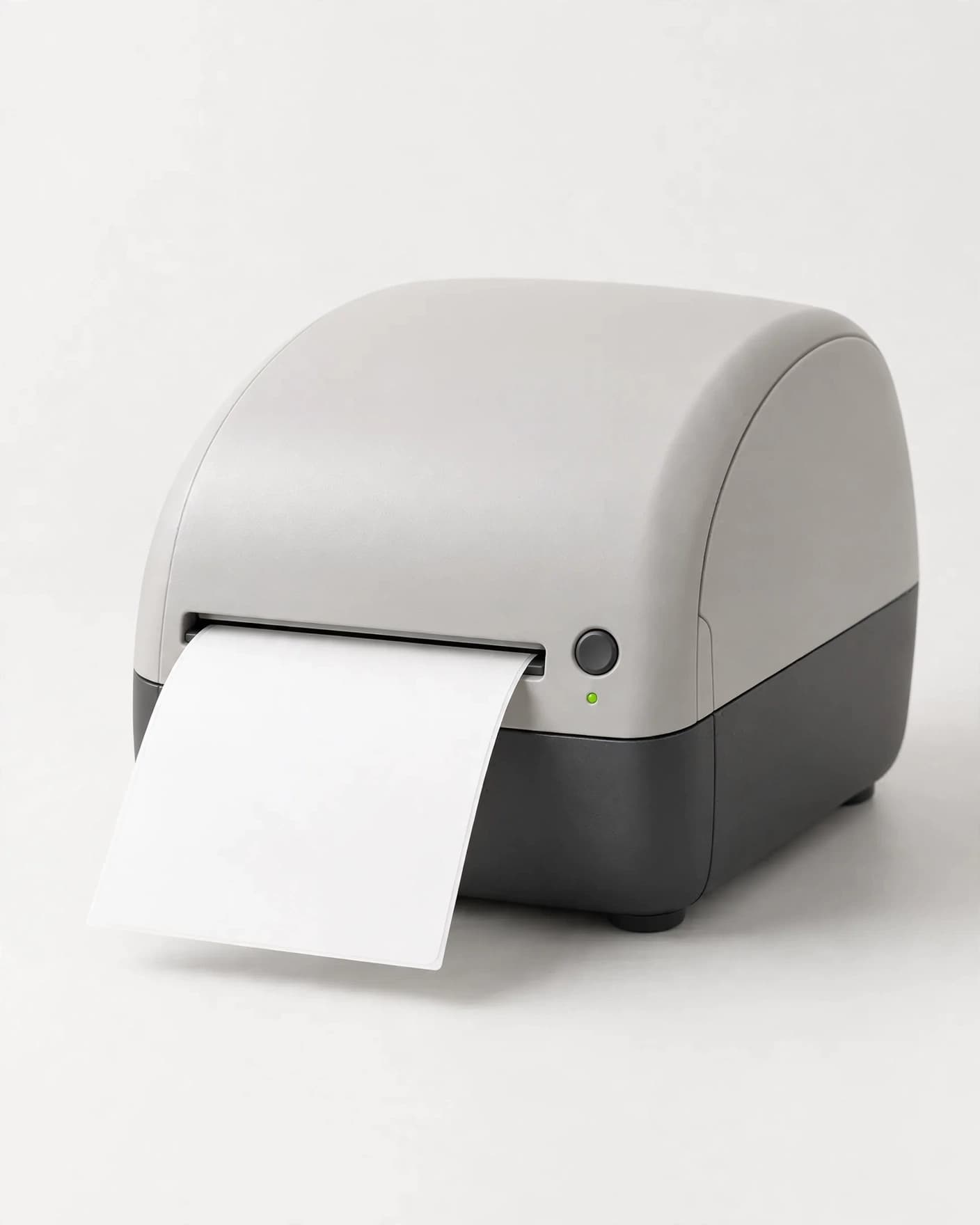
What this preset does

Change the presentation, not the product.

The Clean White Background preset isolates an existing product onto a simple ecommerce-ready canvas. It focuses on accurate edges, even surroundings and a restrained contact shadow instead of redesigning or beautifying the product.

Creative direction

What changes

  • Removes the existing environment
  • Creates an even white ecommerce background
  • Adds a subtle realistic grounding shadow
Product truth

What should stay recognizable

  • Exact product silhouette and orientation
  • Original colors, materials and controls
  • Labels and distinctive visible details

Commercial use

Where this output fits.

Use the result where it has one clear ecommerce job, then compare it with the real product before publishing.

  • 01Product detail pages
  • 02Marketplace and catalog listings
  • 03Line sheets and retail submissions

How to use it

From source image to reviewed result.

  1. 01

    Add the image to edit

    Choose a clear source where the product and the area you want to change are easy to inspect.

  2. 02

    Set the edit

    Use the preset as-is or add one short instruction for the exact result you need.

  3. 03

    Review the changed area

    Compare the result with the source and check product details before publishing.

FlowEdit / Privacy

Choose which optional technologies FlowEdit may use on the website.

Essential

Required for authentication, security, billing and core features.

Always active