
01Product page
Make the product easy to inspect.
Use a clean primary image, then add verified details and supporting views that answer practical buying questions.
Capture facts · Edit presentationAI product photography for Shopify
Create reviewed product-page, lifestyle, campaign, and ad visuals from existing product images—then download the approved files and add them to Shopify.
10 one-time image credits · No subscription required · Manual Shopify upload
Build a useful image set
A stronger storefront gallery is not several decorative variations of the same frame. It combines product evidence with selected creative context.
Use a clean primary image, then add verified details and supporting views that answer practical buying questions.
Capture facts · Edit presentationCreate consistent crops and backgrounds while keeping the product recognizable at smaller storefront sizes.
Edit and standardizeBuild a lifestyle or editorial direction for a launch, seasonal story, or landing page from a clear source product.
Generate context · Review fidelityDevelop product-led creative foundations, then add approved offers, prices, headlines, and calls to action separately.
Generate visual · Add verified copyReal FlowEdit examples
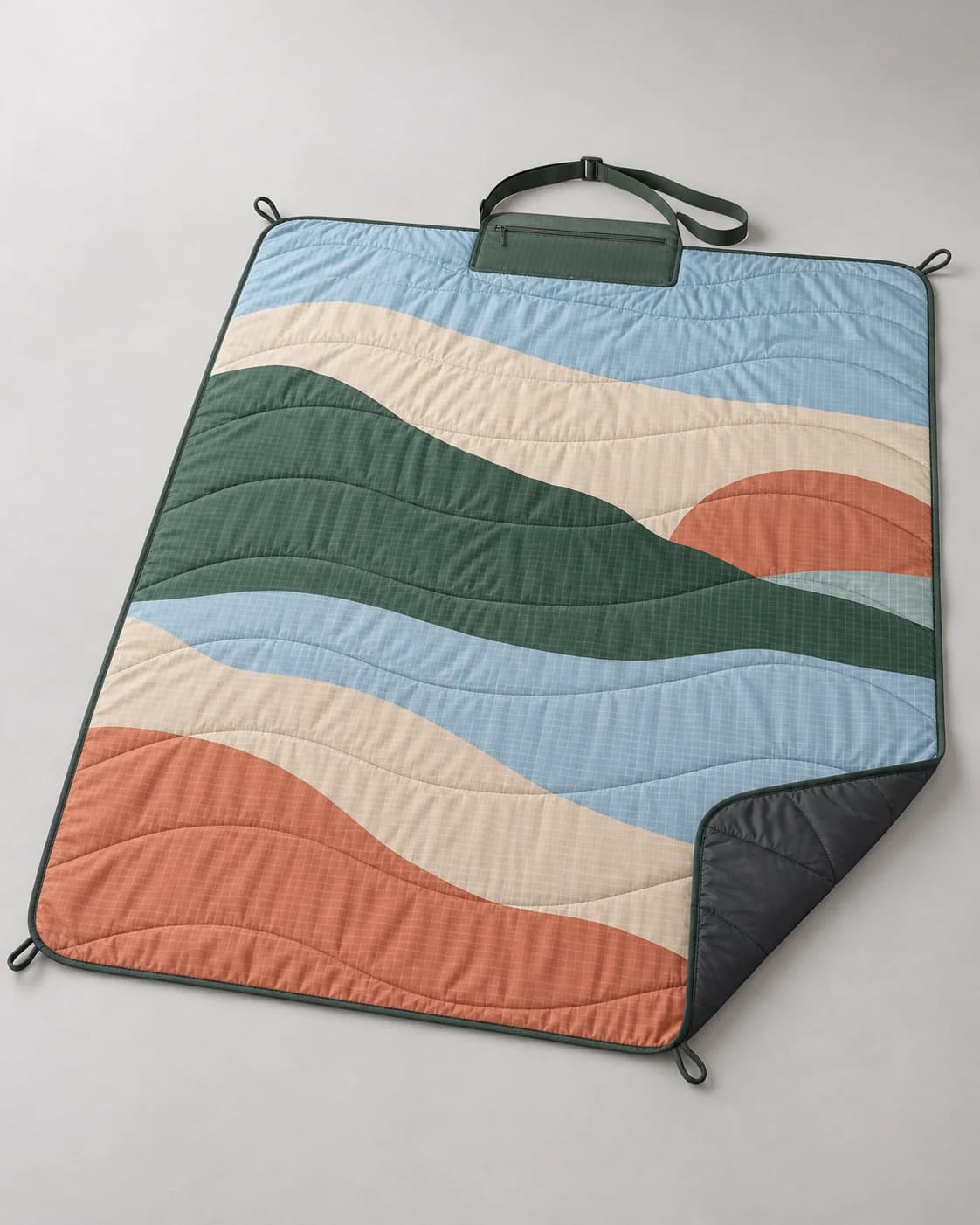
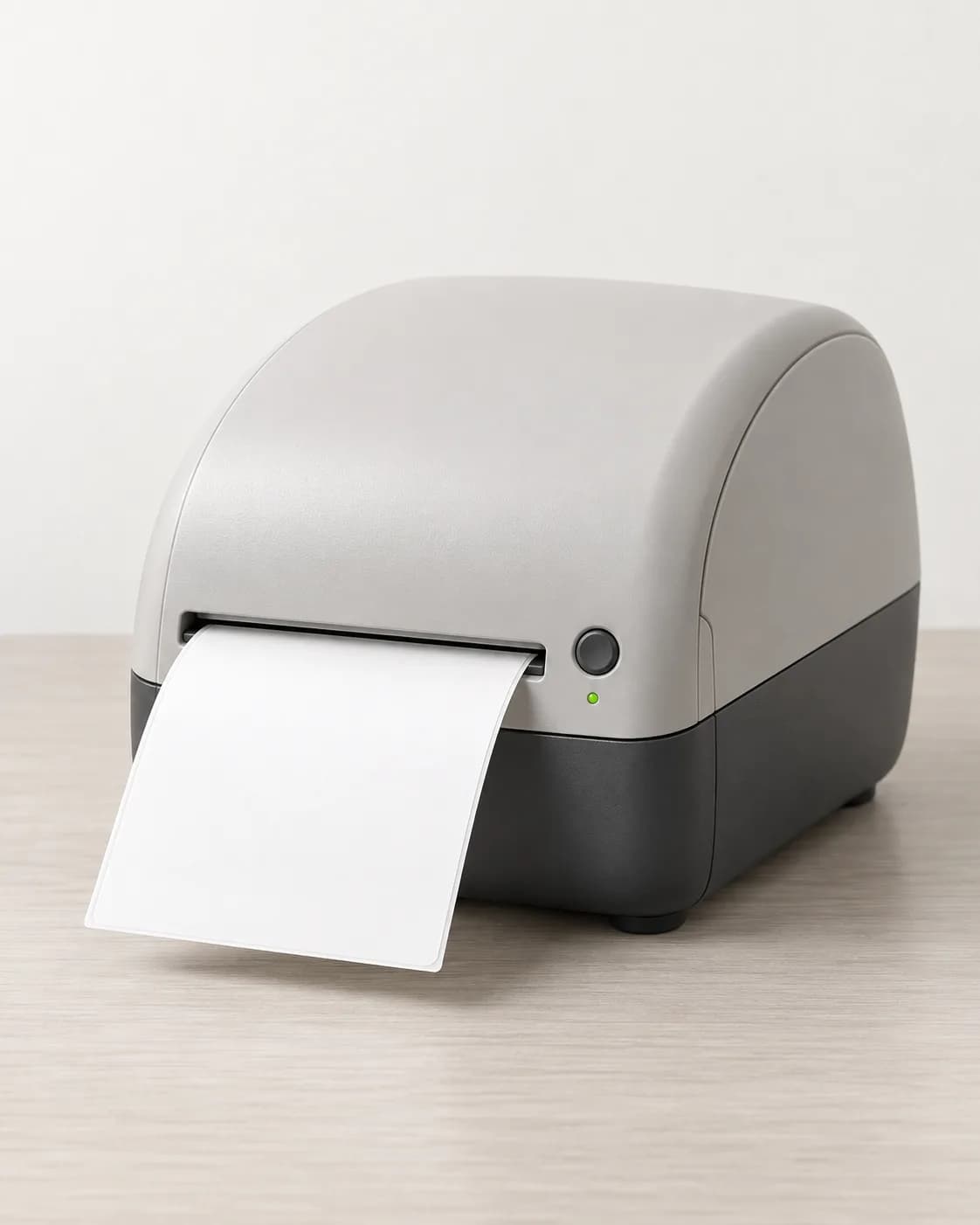
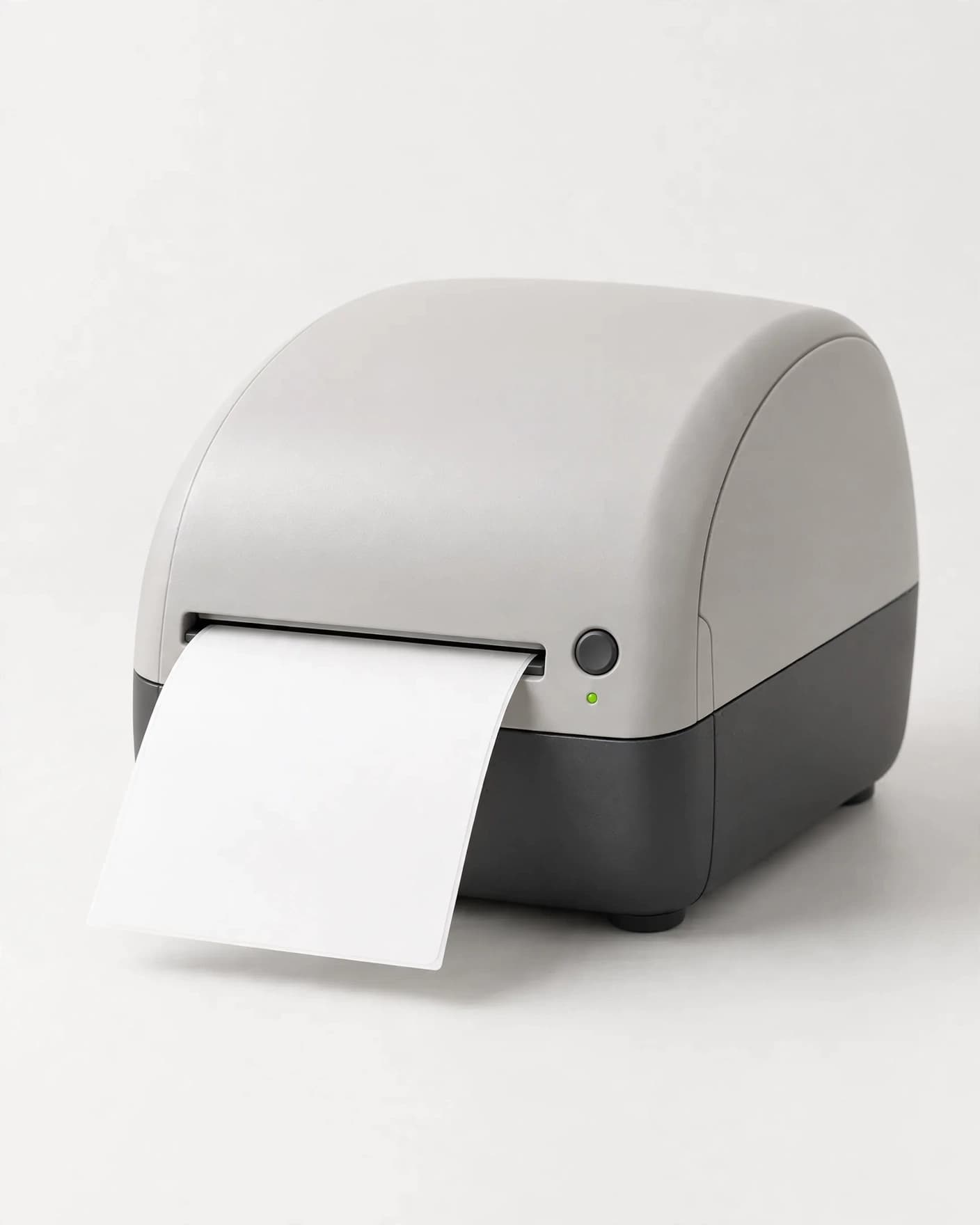
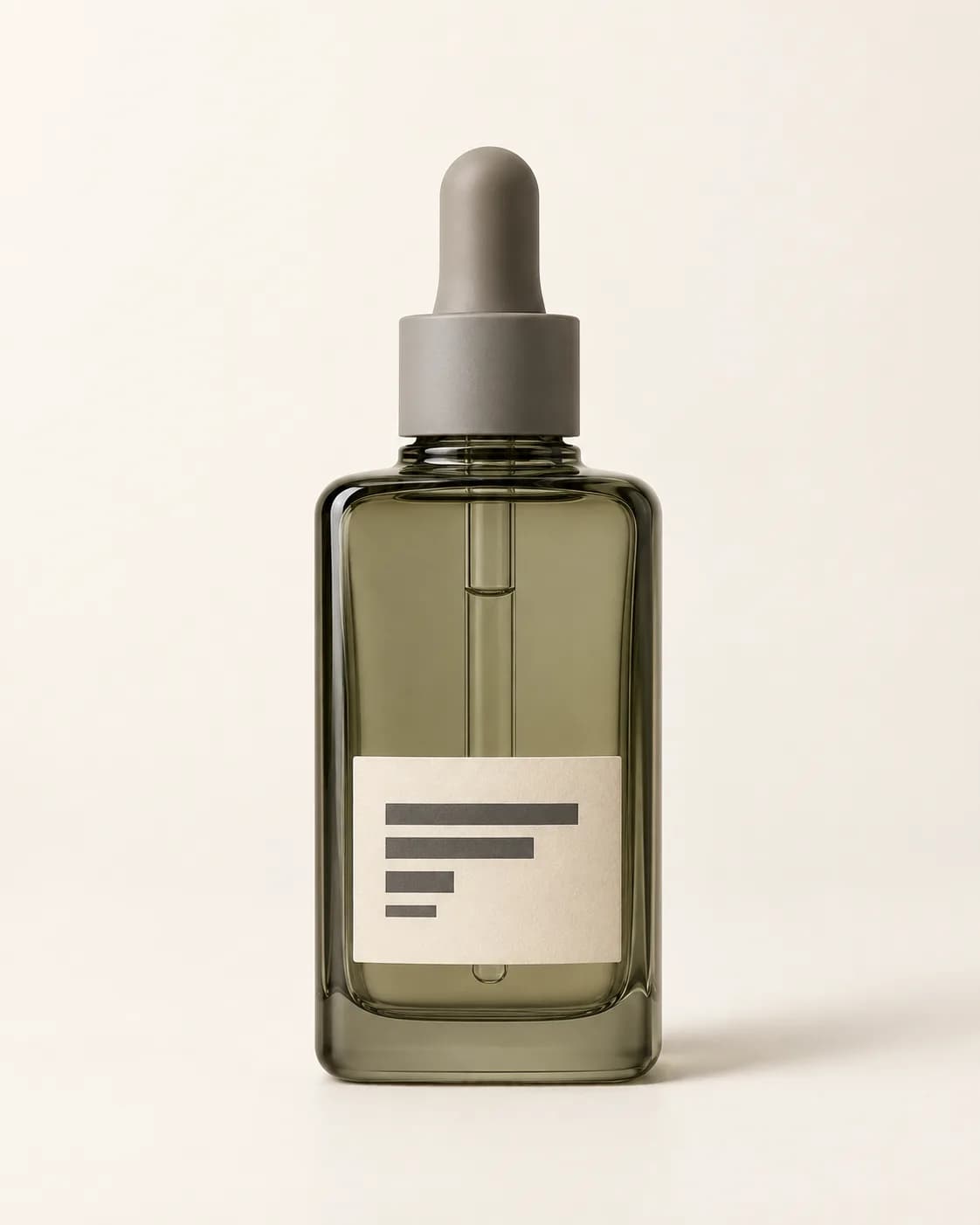
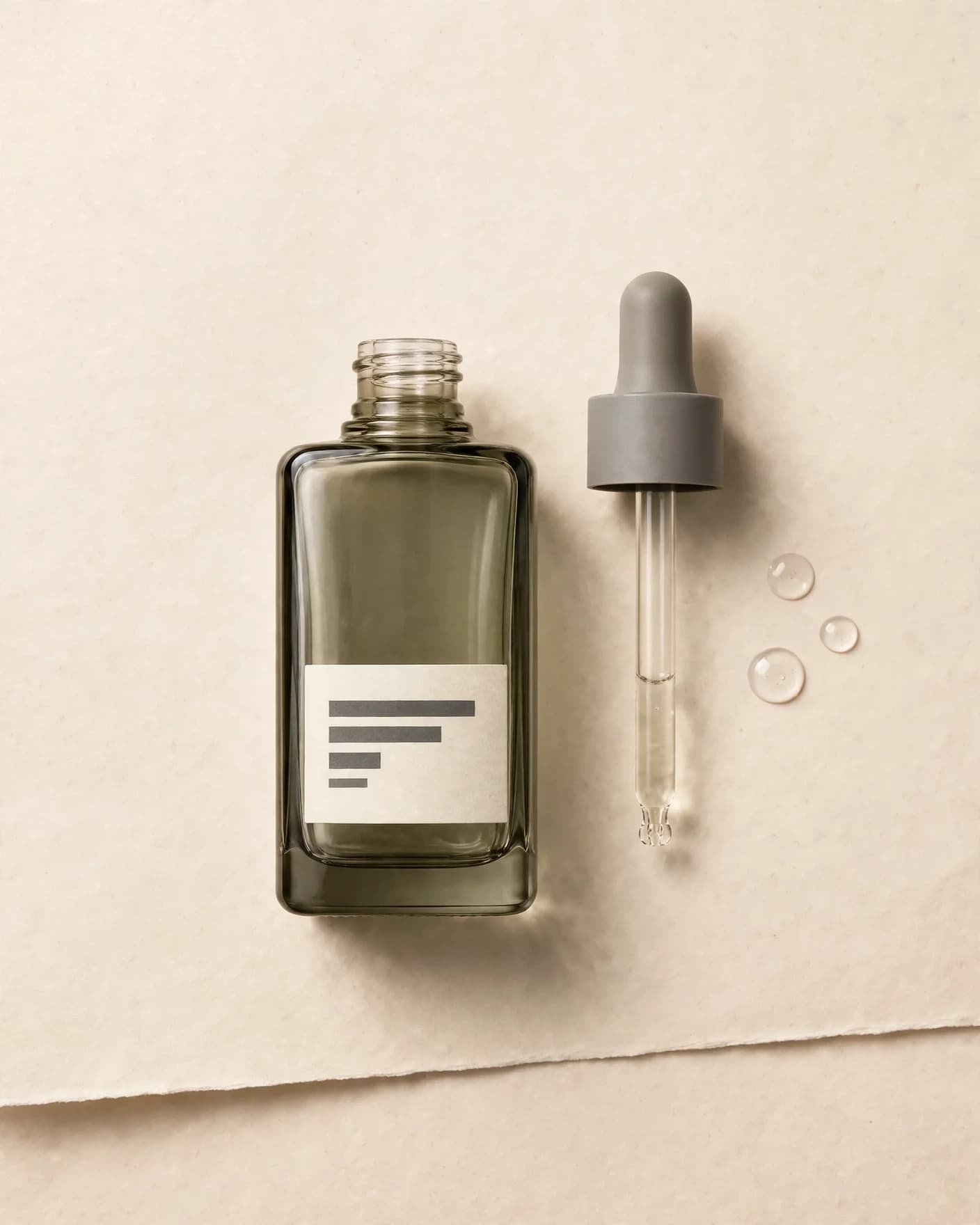
Each result starts from the product shown beside it. The source remains the reference for what the product actually is.
Product-page foundation
A restrained presentation keeps the product readable and gives the store a dependable primary or supporting asset.
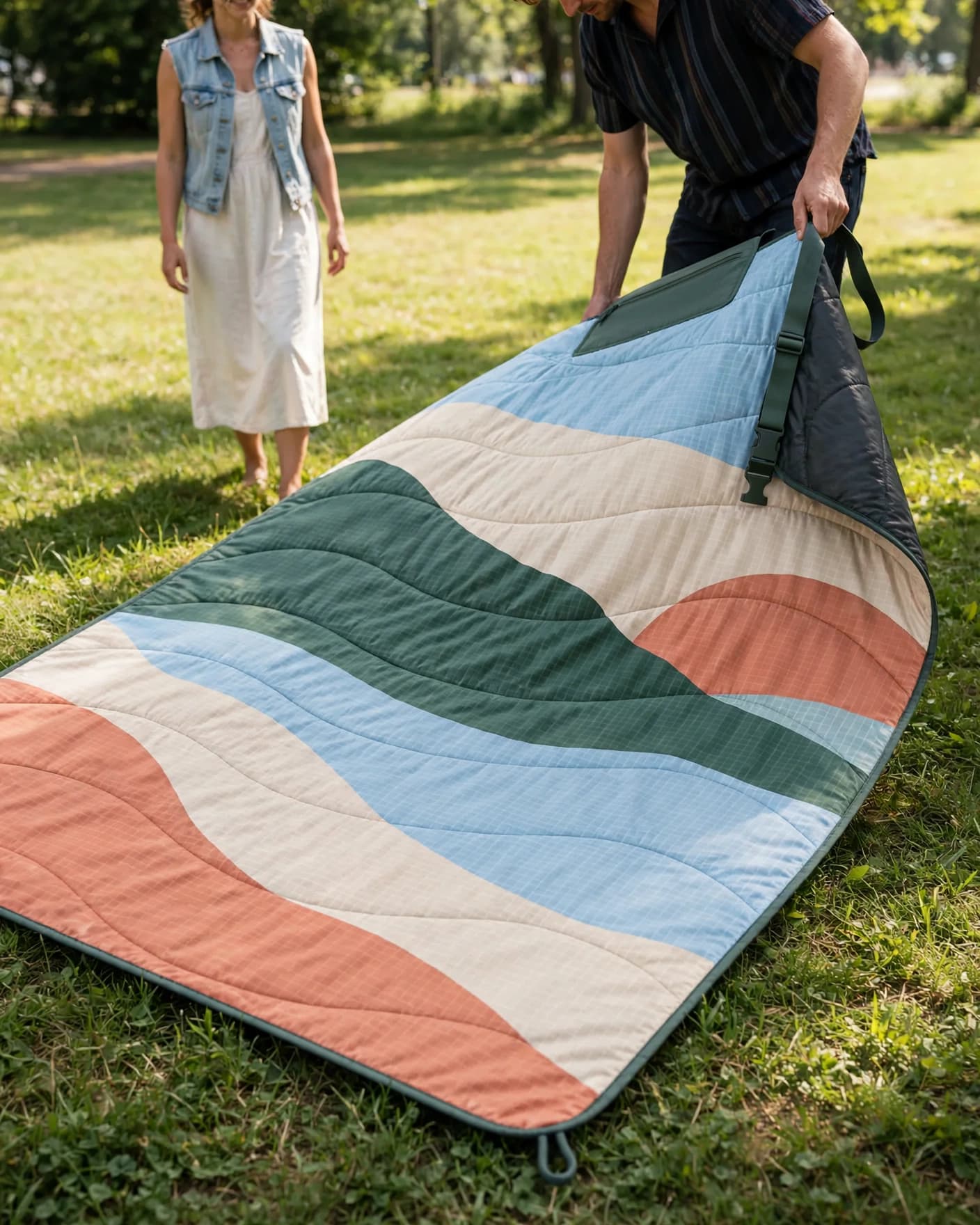
Lifestyle and campaign
Context can communicate scale, setting, and occasion—but the final image still needs comparison against the real product.
Editorial merchandising
An art-directed result can support launches, landing pages, email, and social while the source remains the product-truth reference.
From source to store
FlowEdit creates the visual asset. Your source photography, product knowledge, and final store review keep the representation accurate.
Use an image that shows every product fact the intended result must preserve.
Decide whether the asset is for a product page, collection, campaign, ad, or social post.
Choose a FlowEdit preset or describe the scene and treatment you need.
Check shape, color, materials, labels, construction, and every purchase-relevant detail.
Export the approved file, prepare the crop and alt text, then upload it through your normal Shopify workflow.
A clear production boundary
Use real photography for information a shopper must be able to trust. Use FlowEdit when the visible product is already established and the presentation needs to change.
Before Shopify upload
Questions before you start
No. FlowEdit currently creates downloadable image assets. You review the result, download the approved file, and add it to Shopify through your existing store workflow.
You can create new presentations of the details visible in a clear source image. One image cannot reliably prove an unseen side, exact dimension, hidden feature, fit, texture, or packaging detail, so those facts still need real capture.
FlowEdit is useful for clean product presentation, background changes, lifestyle context, campaign imagery, ad creative, social content, and selected crops. Factual detail shots should come from source photography that visibly contains those details.
FlowEdit can create the visual foundation. Add prices, offers, claims, disclaimers, headlines, and calls to action afterward in an editable design layer so those commercial facts stay accurate.
Use the crop and dimensions required by your current Shopify theme and placement. Keep the product readable at the rendered size, export an appropriately compressed file, and review the result on desktop and mobile before publishing.
Further guidance
Use the ecommerce shot list to decide what buyers need to see, then use the brief builder to turn that decision into a practical production direction. For capture and storefront guidance, see Shopify's official product photography guide and AI product photography guide.
Start with the product you already have
Upload one clear product photo, choose a commercial direction, and review the result before it reaches your storefront.