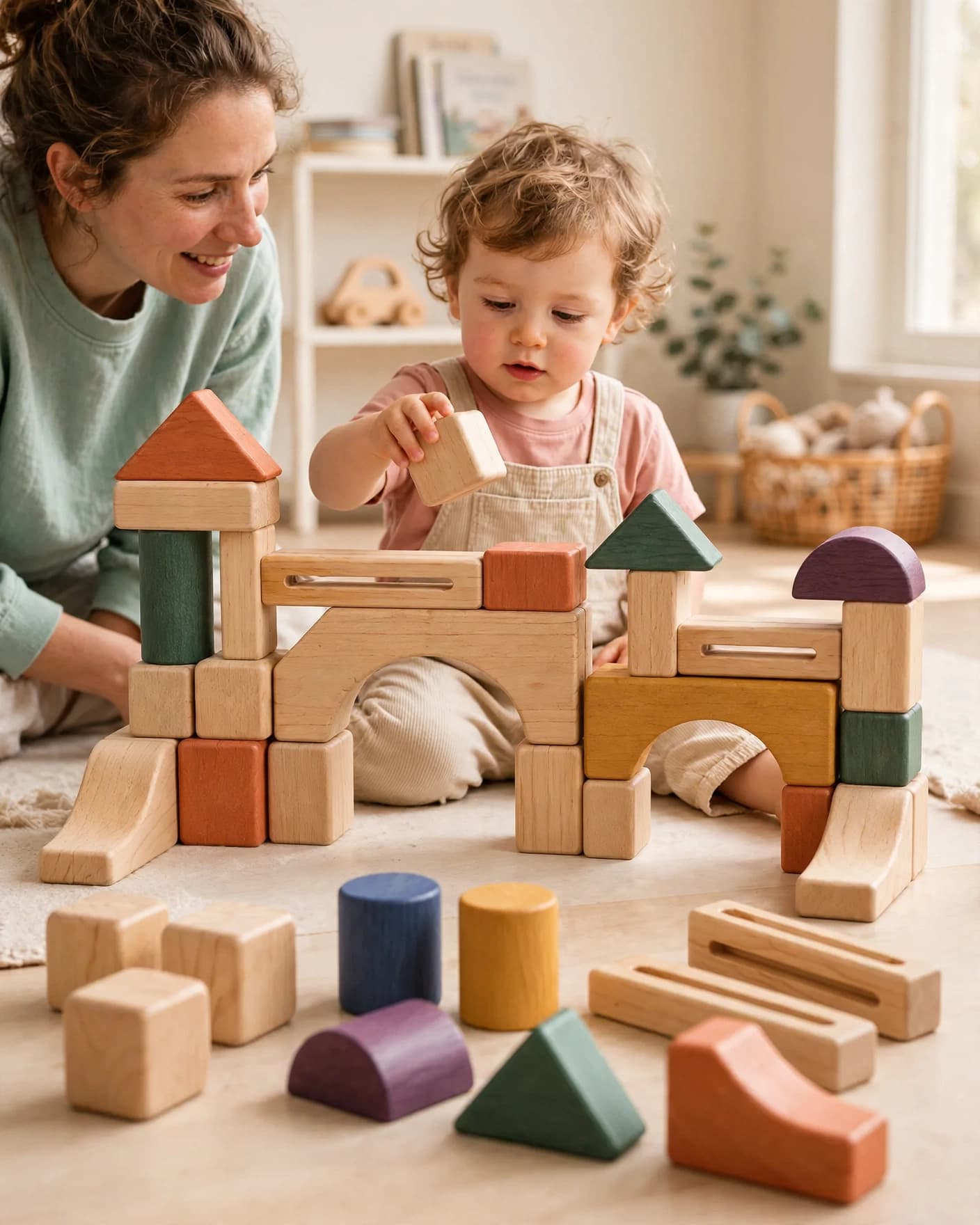
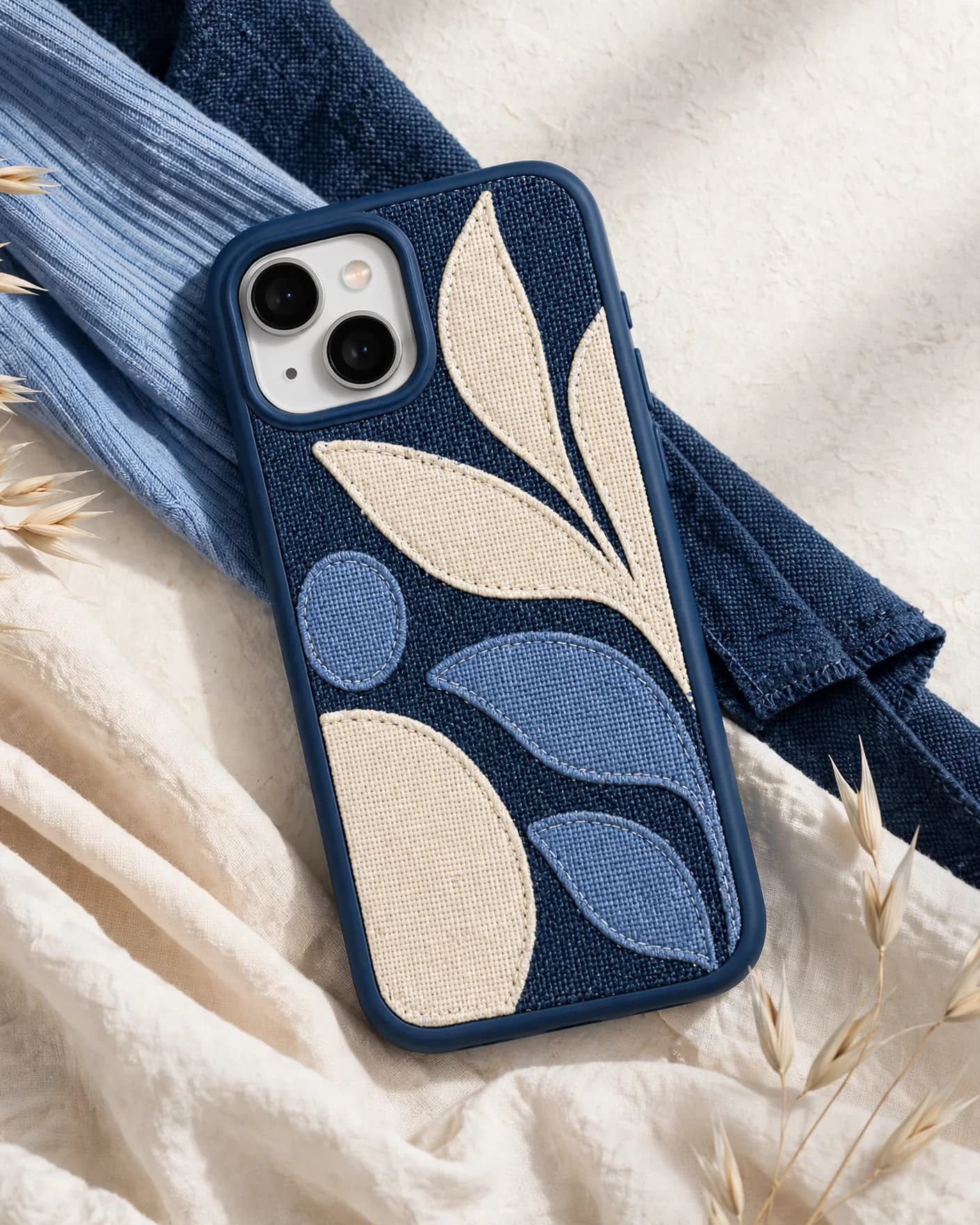
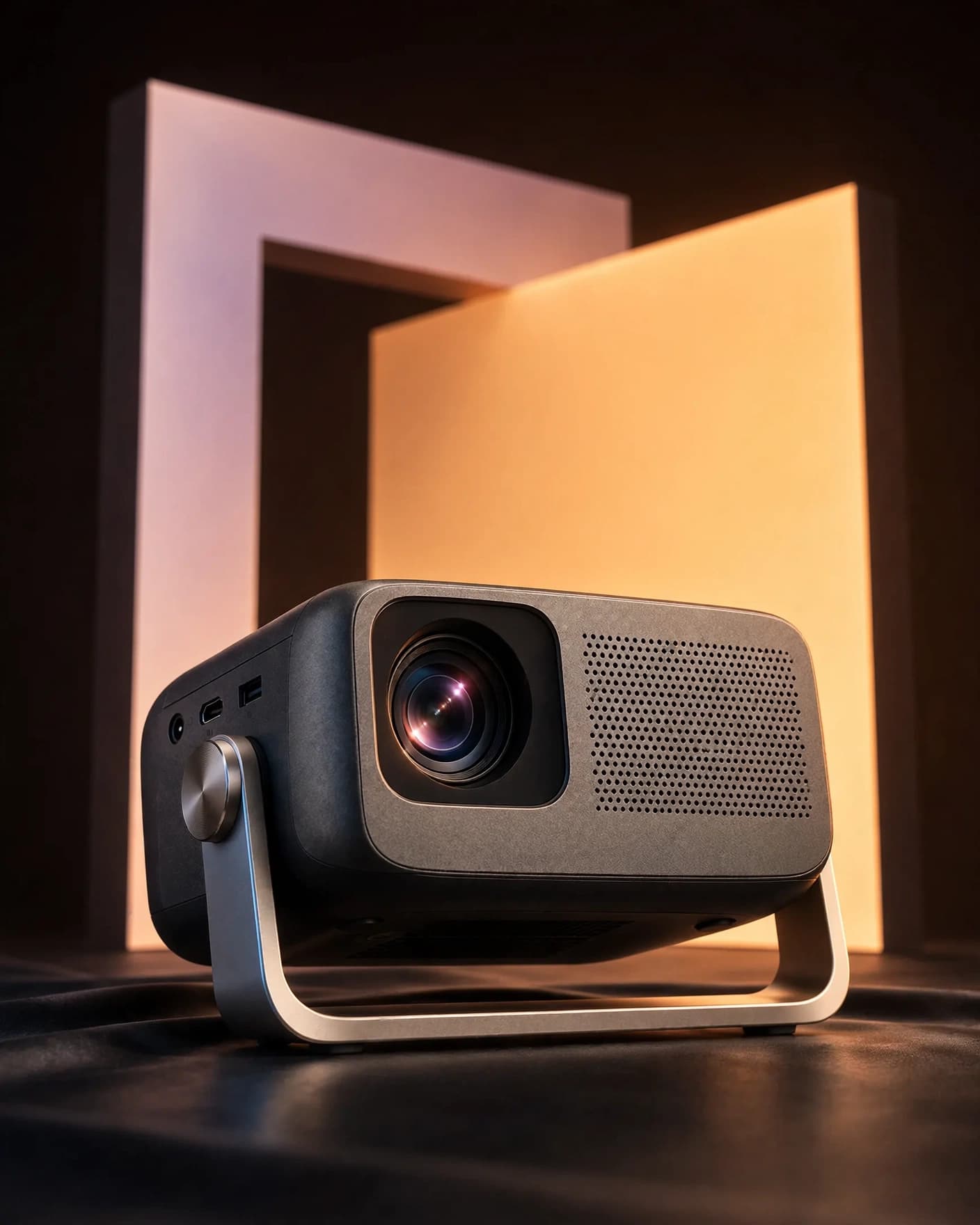
AI color-driven product campaignPet & family

Build a campaign around your product colors.

Turn the product palette into a stronger visual system without recoloring the product itself.
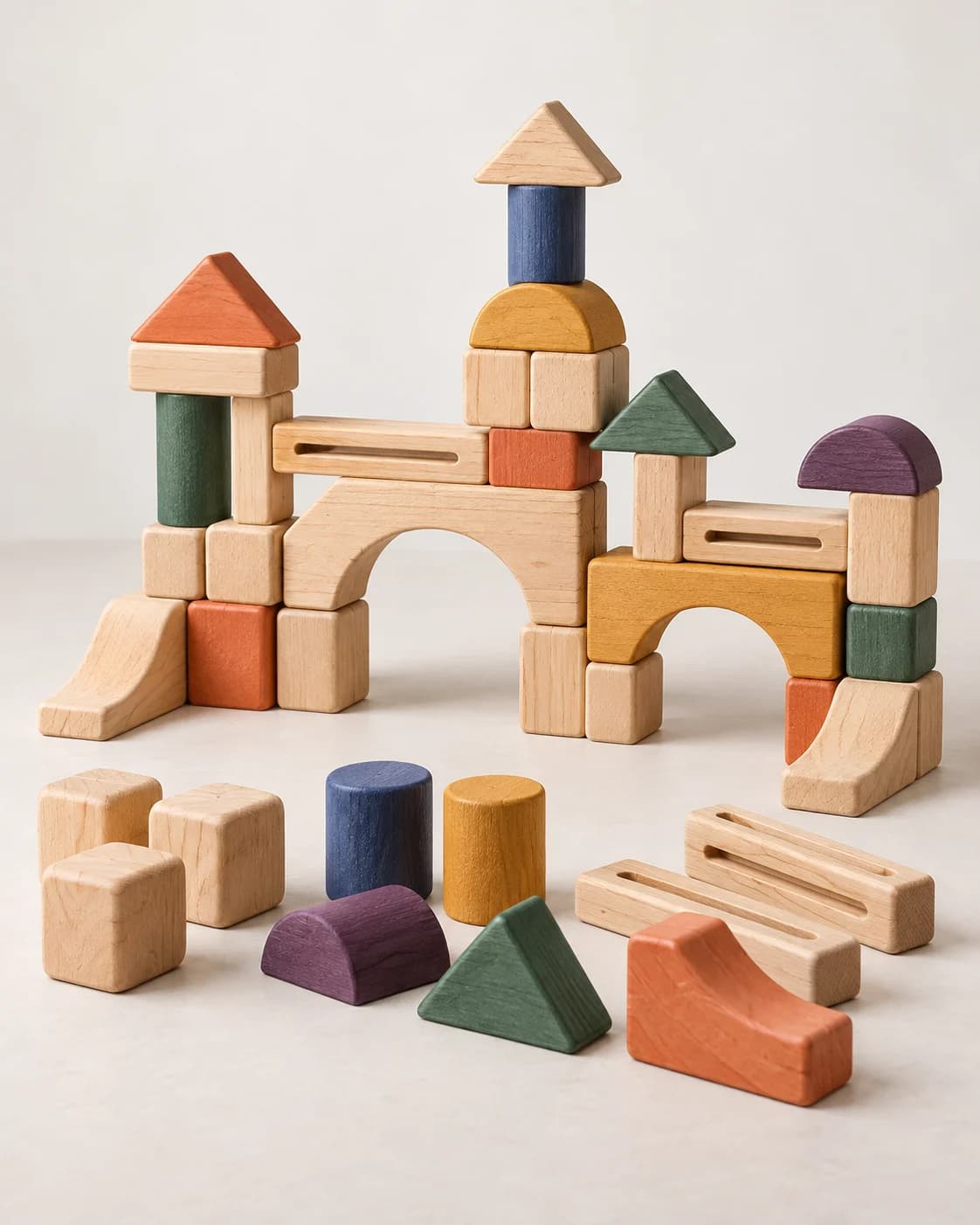
Modular maple wooden blocks arranged in a plain seller product photo
Before
Same modular wooden blocks in a colorful family campaign scene
After
Use this preset

Upload your product photo. Eligible new users start with 10 one-time image credits.
What this preset does

Change the presentation, not the product.

The Color-Driven Campaign preset uses existing product colors as the foundation for coordinated surfaces, shapes and styling. The result feels expressive and branded while the original product remains the clearest visual anchor.

Creative direction

What changes

  • Builds a coordinated campaign palette
  • Adds graphic surfaces and confident light
  • Creates stronger color rhythm around the product
Product truth

What should stay recognizable

  • Original product colors and materials
  • Product geometry and functional relationships
  • Distinctive details and a recognizable silhouette

Commercial use

Where this output fits.

Use the result where it has one clear ecommerce job, then compare it with the real product before publishing.

  • 01Brand color campaigns
  • 02Collection and launch pages
  • 03Social and email campaign systems

How to use it

From source image to reviewed result.

  1. 01

    Add your product photo

    Use a clear source where the product shape, materials and important details are visible.

  2. 02

    Keep or refine the direction

    Use the preset as-is or add one focused instruction for your brand or campaign.

  3. 03

    Review the result

    Check product identity, construction and any generated details before publishing.

FlowEdit / Privacy

Choose which optional technologies FlowEdit may use on the website.

Essential

Required for authentication, security, billing and core features.

Always active