5 sec

01 / Product motion
Paid-social motion
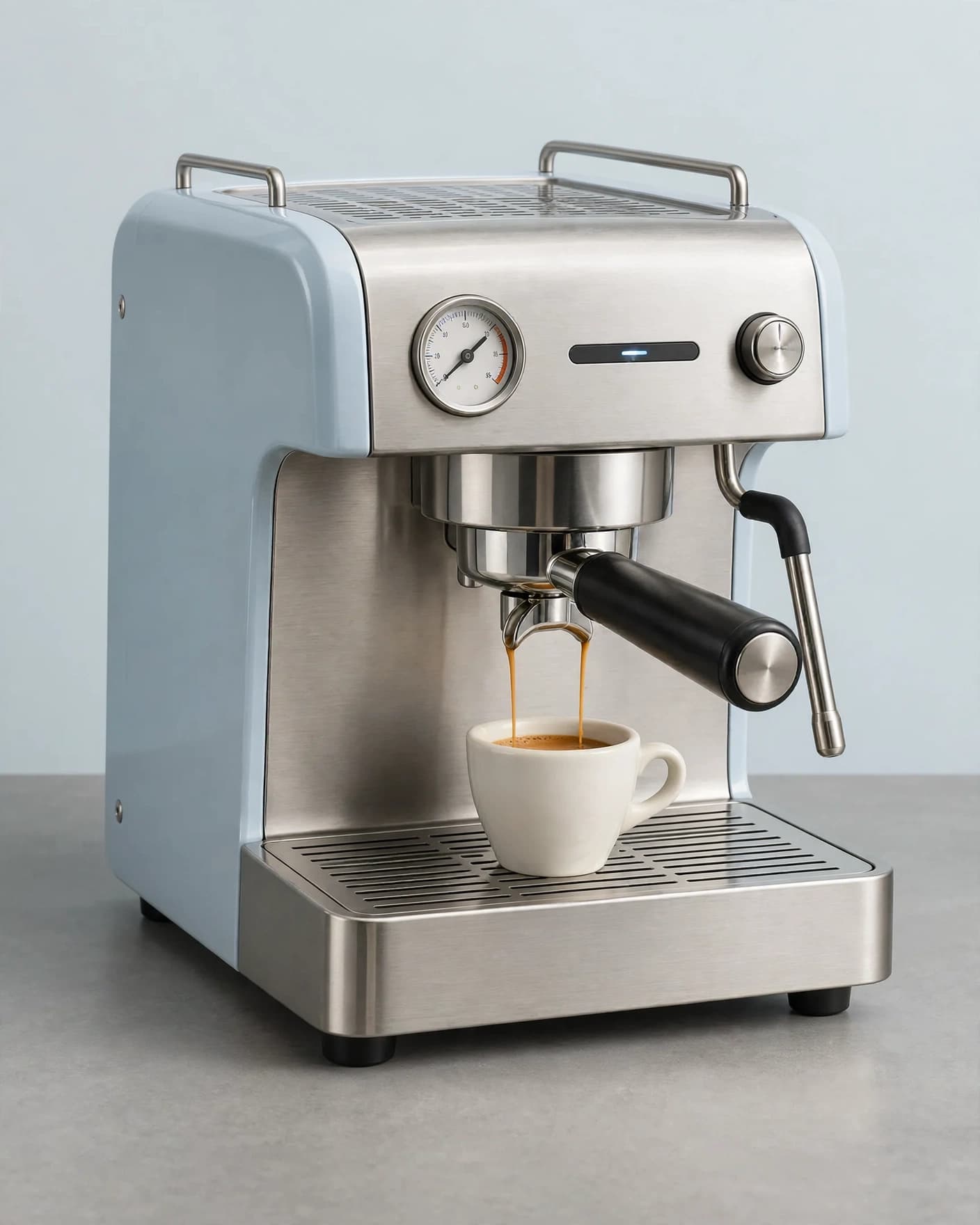
A fast camera move turns a finished product scene into a focused social asset.
AI product video generator for ecommerce
Choose a ready-made motion direction or describe how the camera and scene should move. FlowEdit creates one short product video for ads, social, campaigns, and product showcases.
One five-second video uses 60 credits. The current workflow starts from one JPEG or PNG.
A focused video workflow
Real FlowEdit outputs
Each example started from one product scene and one clear motion direction.
A fast camera move turns a finished product scene into a focused social asset.
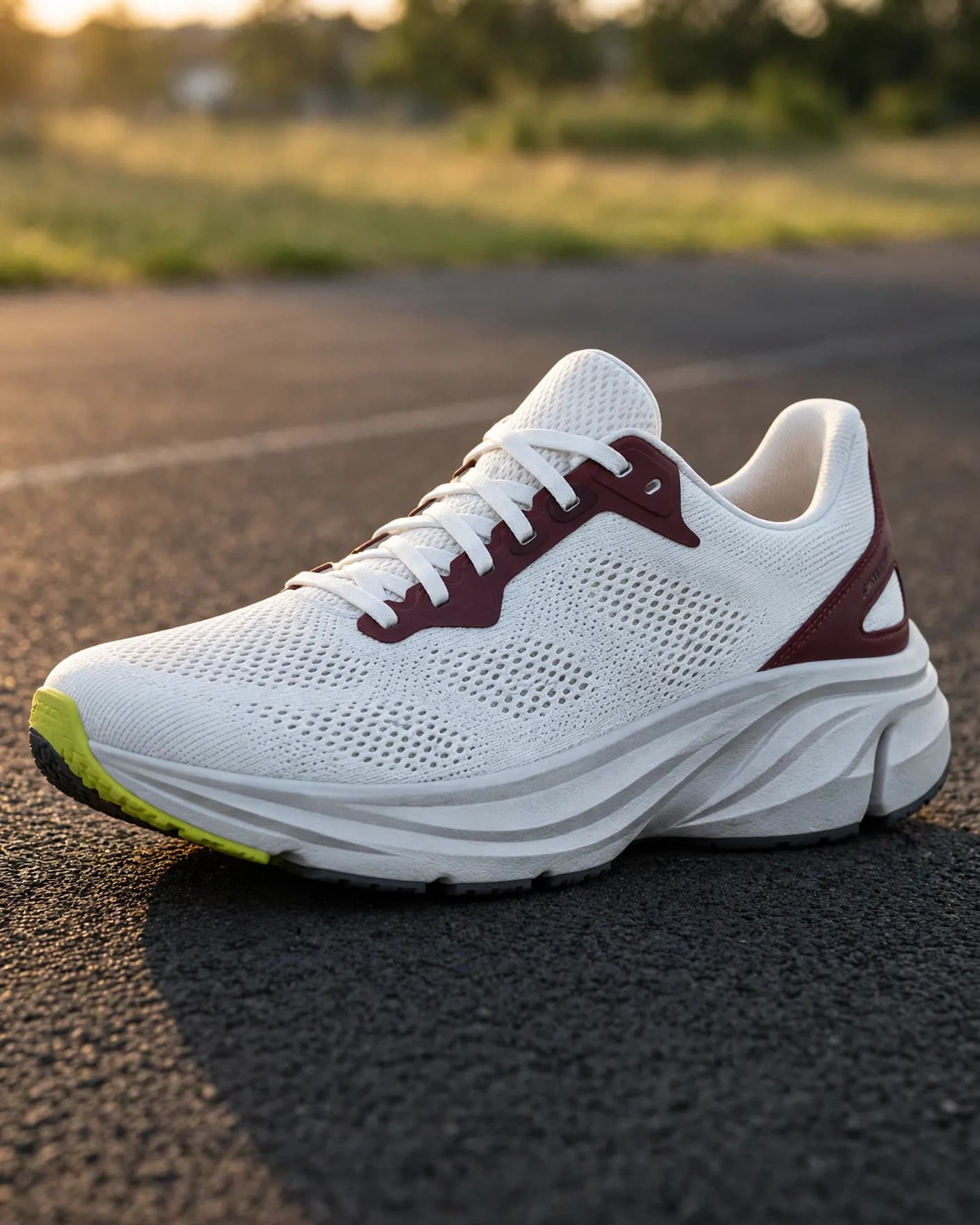
One visible function becomes the motion, while the product and scene stay grounded.
How it works
Start with a clear JPEG or PNG where the product and scene are already easy to read.
Pick a preset such as Scroll Stopper or Product in Action, or write your own direction.
Follow the job in Results, inspect the completed clip, and download the MP4.
Build a stronger starting frame
A clear product, believable scene, and room for one coherent movement give the video a stronger foundation.
Keep the product visible, sharp, and supported by a scene that already looks commercially useful.
Ask for one camera move or one physically supported action that fits inside five seconds.
Check shape, color, materials, packaging, text, contact, reflections, and moving parts before publishing.
Clear launch scope
FlowEdit currently creates one five-second image-to-video result. It does not include a timeline, trimming, captions, uploaded audio, reference images, or multiple scenes.
This focused workflow works best for product reveals, camera-led social motion, material details, and one visible product action.
Before you generate
Exact answers about inputs, duration, credits, review, and the current workflow.
An AI product video generator adds motion to an existing product image. FlowEdit uses one uploaded JPEG or PNG, a preset or written motion direction, and creates one five-second product video.
Upload one clear product image, choose a motion preset or describe how the camera or visible scene should move, then generate. The job continues in the background and appears in Results when the video is ready.
The current FlowEdit video workflow creates one five-second video per generation. Longer durations and timeline editing are not currently available.
One five-second video uses 60 credits. FlowEdit shows the cost before generation, and the backend credit balance is authoritative.
Use a sharp JPEG or PNG with one clearly visible product. A campaign-ready source frame with believable depth, lighting, and room for motion usually gives the video model a stronger starting point than a poorly framed image.
Not in the current video workflow. It uses one source image and a motion prompt, and does not include reference-image upload, music controls, captions, trimming, or a timeline editor.
Watch the full clip and compare it with the source image. Check the product shape, color, materials, packaging, text, reflections, contact, and any moving parts before commercial use.
Put your product in motion
Choose a preset, add a clear direction, and create one five-second ecommerce video.