AI product feature ad creativePet & family

Make one product feature easier to understand.

Create a focused ad image that shows the useful detail instead of only describing it.
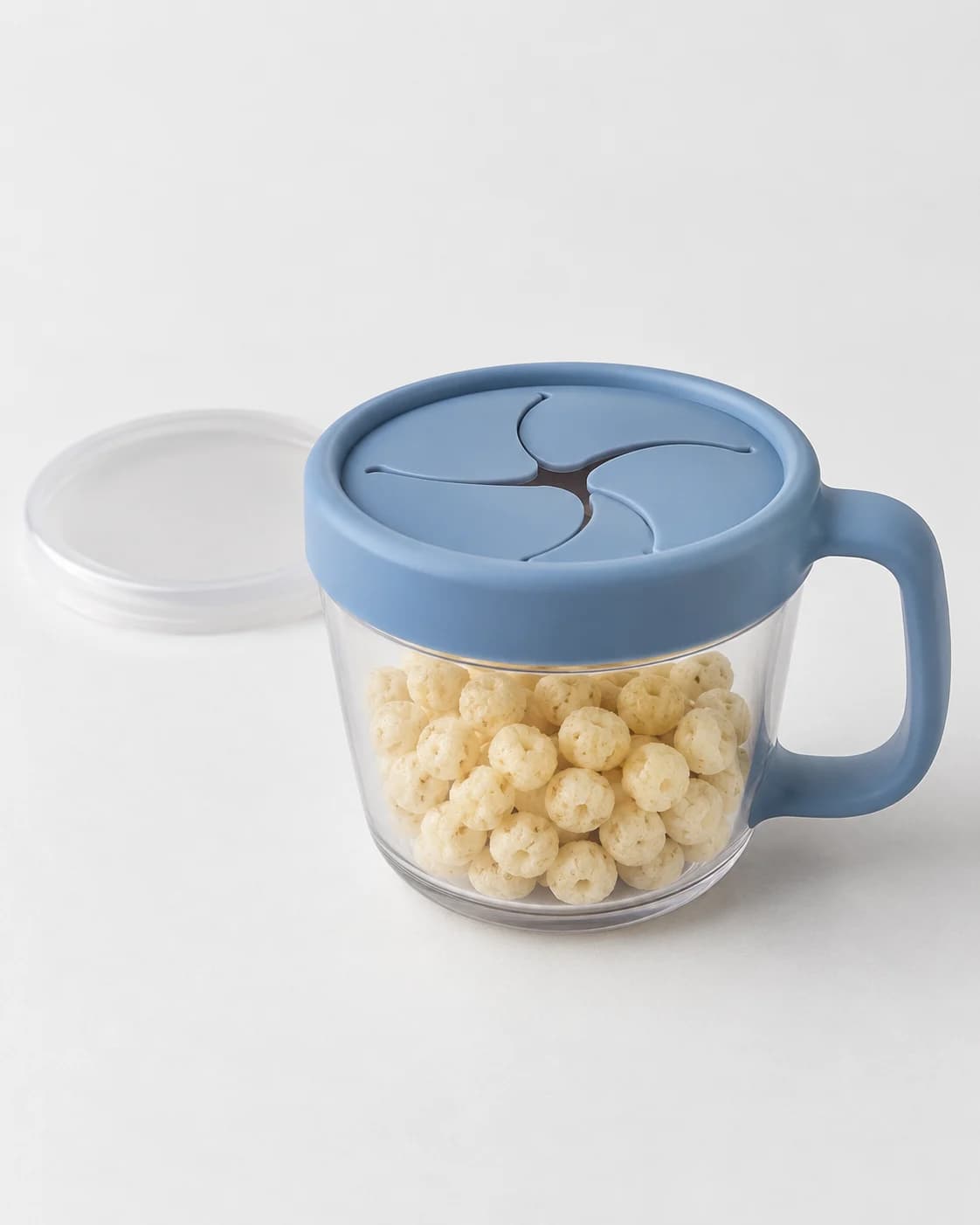
Blue toddler snack cup with its travel lid in a clean seller product photo
Before
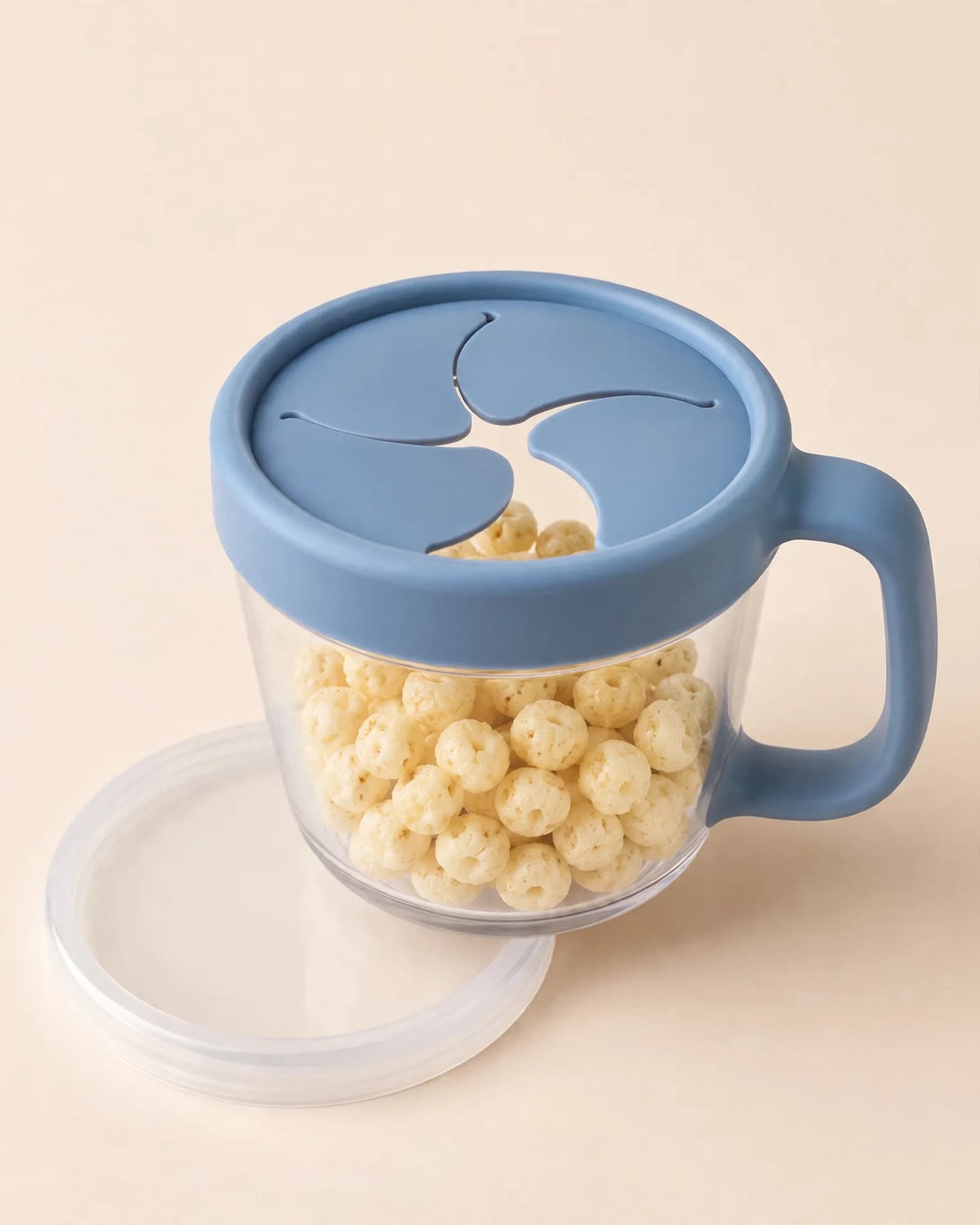
Same toddler snack cup in a feature spotlight ad showing its flexible opening
After
Use this preset

Upload your product photo. Eligible new users start with 10 one-time image credits.
What this preset does

Change the presentation, not the product.

The Feature Spotlight preset gives one functional detail clear visual priority. It uses framing, light and relevant context to help customers recognize the benefit while keeping the complete product construction believable.

Creative direction

What changes

  • Emphasizes one functional product detail
  • Adds relevant context around the feature
  • Uses precise light and crop to guide attention
Product truth

What should stay recognizable

  • Complete product component hierarchy
  • Materials, proportions and connected parts
  • A truthful relationship between feature and use

Commercial use

Where this output fits.

Use the result where it has one clear ecommerce job, then compare it with the real product before publishing.

  • 01Feature-led paid social ads
  • 02Product detail and comparison pages
  • 03Retailer education and launch assets

How to use it

From source image to reviewed result.

  1. 01

    Add your product photo

    Use a clear source where the product shape, materials and important details are visible.

  2. 02

    Keep or refine the direction

    Use the preset as-is or add one focused instruction for your brand or campaign.

  3. 03

    Review the result

    Check product identity, construction and any generated details before publishing.

FlowEdit / Privacy

Choose which optional technologies FlowEdit may use on the website.

Essential

Required for authentication, security, billing and core features.

Always active