AI skincare product photographySkincare & beauty

Create premium skincare photos from one image.

Turn your existing product shot into a fresh, refined beauty visual without another shoot.
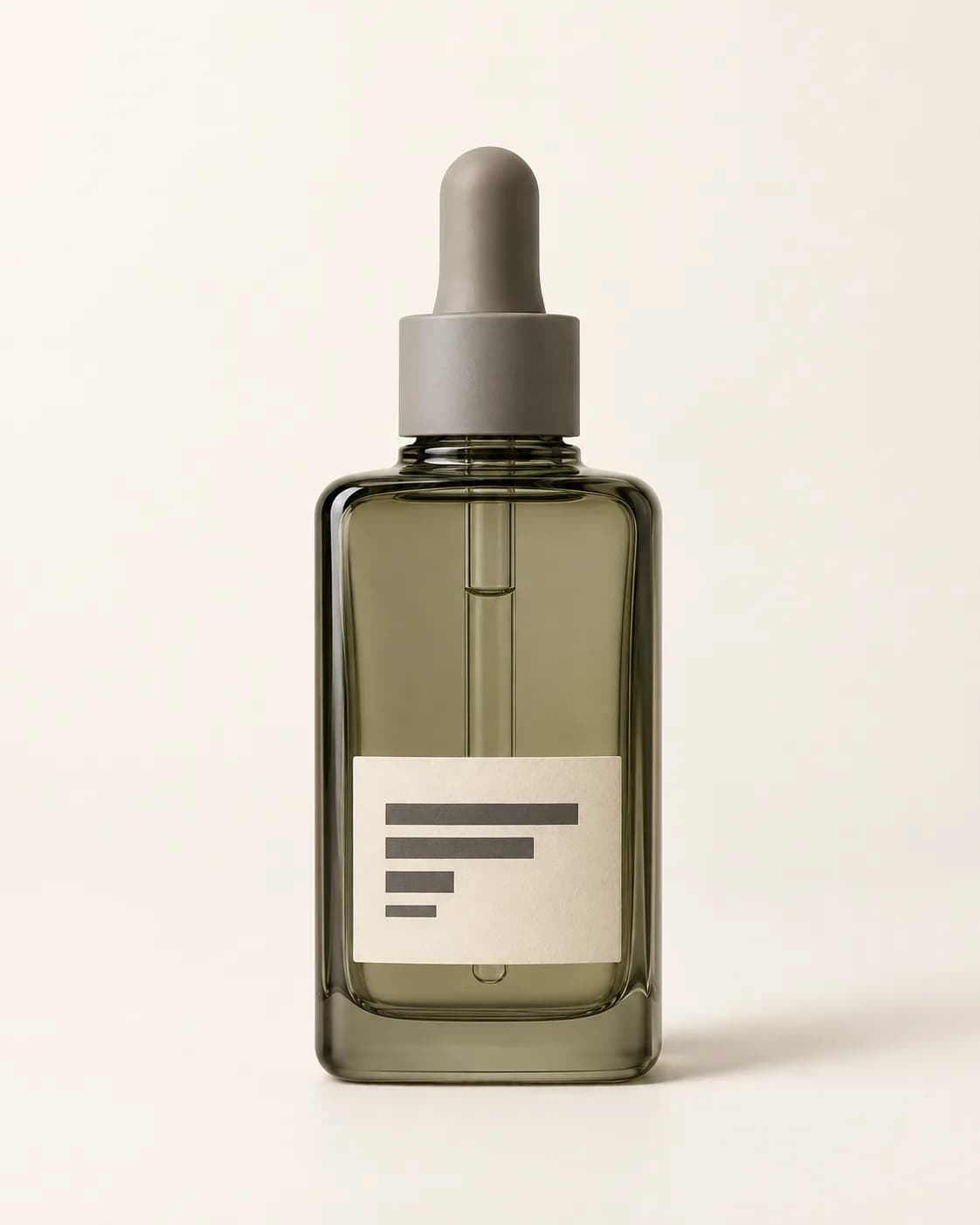
Olive-gray facial serum bottle in a clean seller product photo
Before
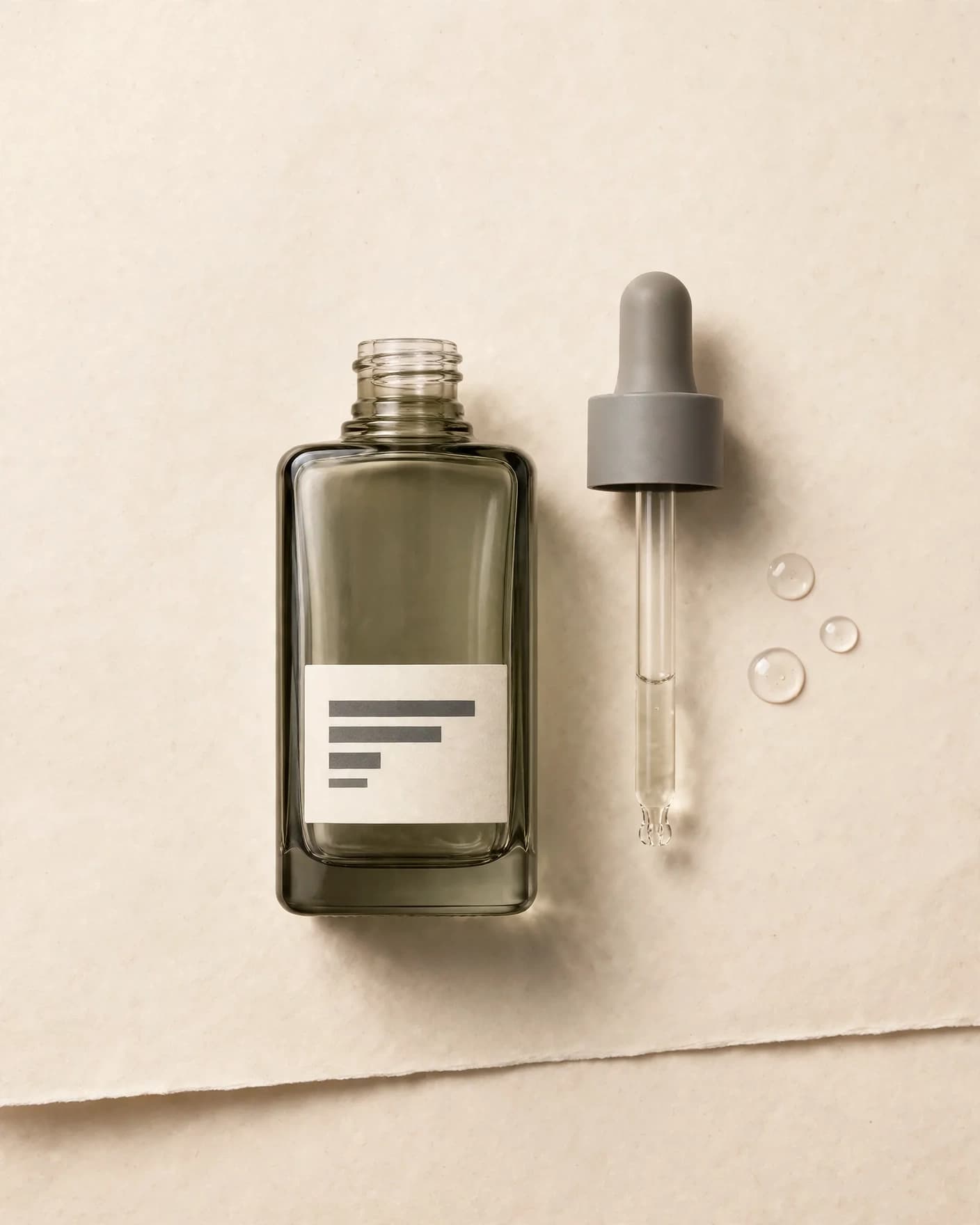
Same olive-gray facial serum bottle arranged in a bright layered-paper editorial scene
After
Use this preset

Upload your product photo. Eligible new users start with 10 one-time image credits.
What this preset does

Change the presentation, not the product.

The Skincare Editorial preset gives an ordinary packaging image a cleaner, more considered visual system. Layered paper, directional daylight and restrained detail create a polished beauty image while the bottle remains the dominant subject.

Creative direction

What changes

  • Creates a bright layered-paper editorial set
  • Adds directional daylight and controlled shadow
  • Introduces minimal serum texture where appropriate
Product truth

What should stay recognizable

  • Bottle shape, cap or pump and proportions
  • Packaging color, materials and label layout
  • A complete, unobstructed product view

Commercial use

Where this output fits.

Use the result where it has one clear ecommerce job, then compare it with the real product before publishing.

  • 01Skincare product and collection pages
  • 02Beauty launch campaigns
  • 03Paid social, email and editorial content

How to use it

From source image to reviewed result.

  1. 01

    Upload the product photo

    Choose a source where the bottle silhouette, closure and label layout are easy to read.

  2. 02

    Add one useful refinement

    Optionally name a paper tone, crop or restrained material cue that fits the brand.

  3. 03

    Check the package

    Review the new image for bottle shape, closure, material, color and label fidelity before publishing.

FlowEdit / Privacy

Choose which optional technologies FlowEdit may use on the website.

Essential

Required for authentication, security, billing and core features.

Always active