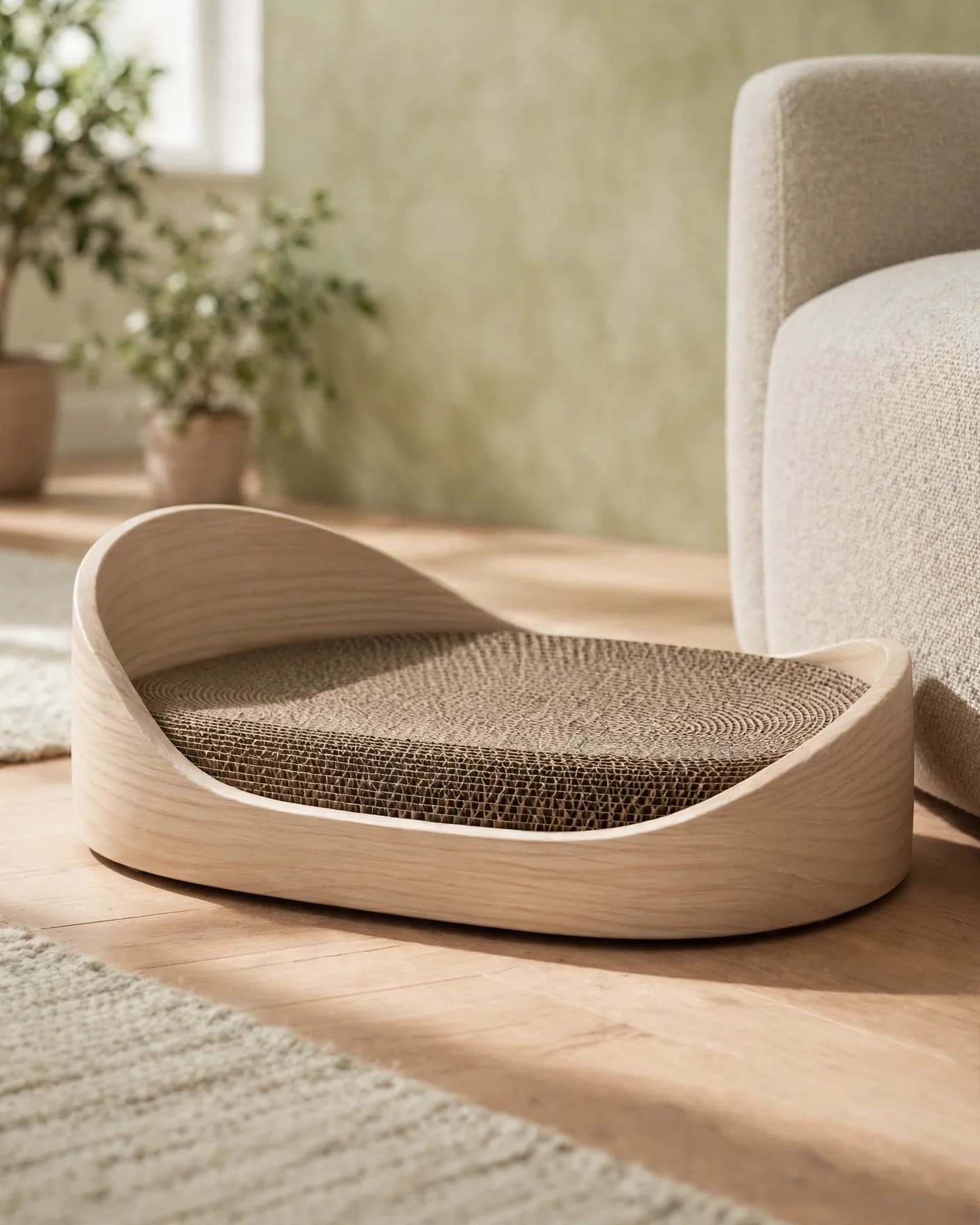
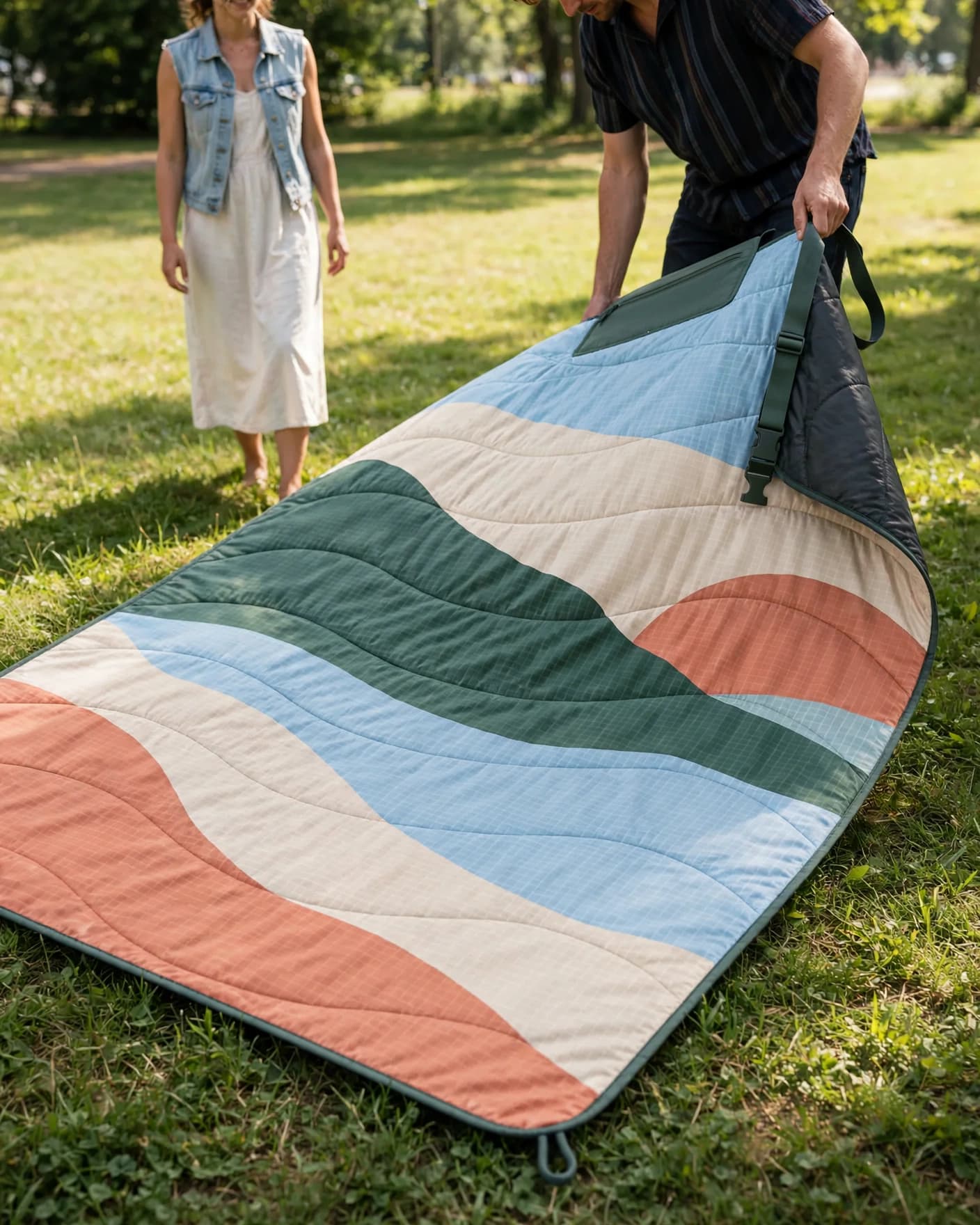
AI expand and reframe product imageFitness & outdoor

Extend one product image into the format you need.

Reframe for portrait, square or landscape while keeping the product and scene visually continuous.
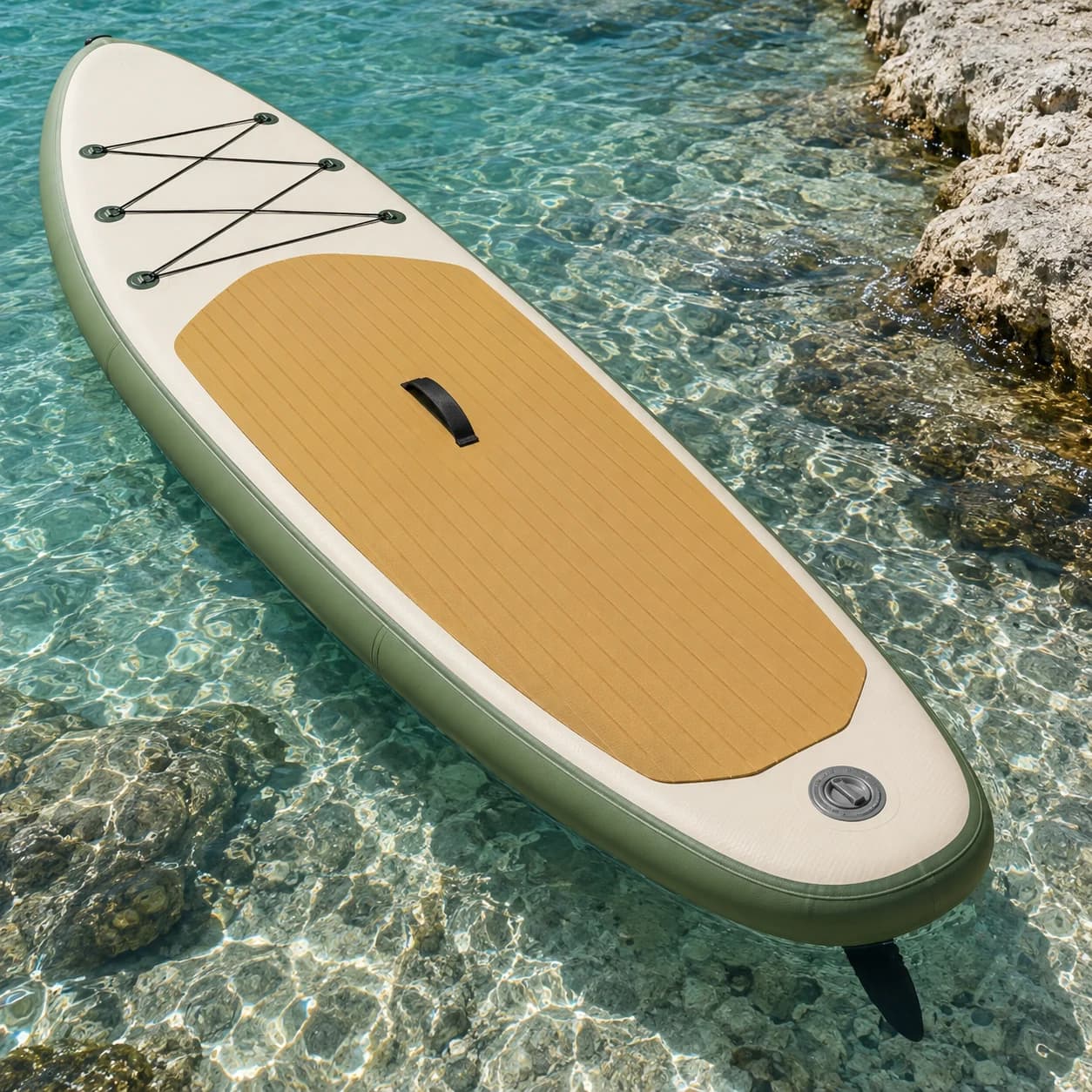
Inflatable stand-up paddleboard in a tightly cropped coastal product image
Before
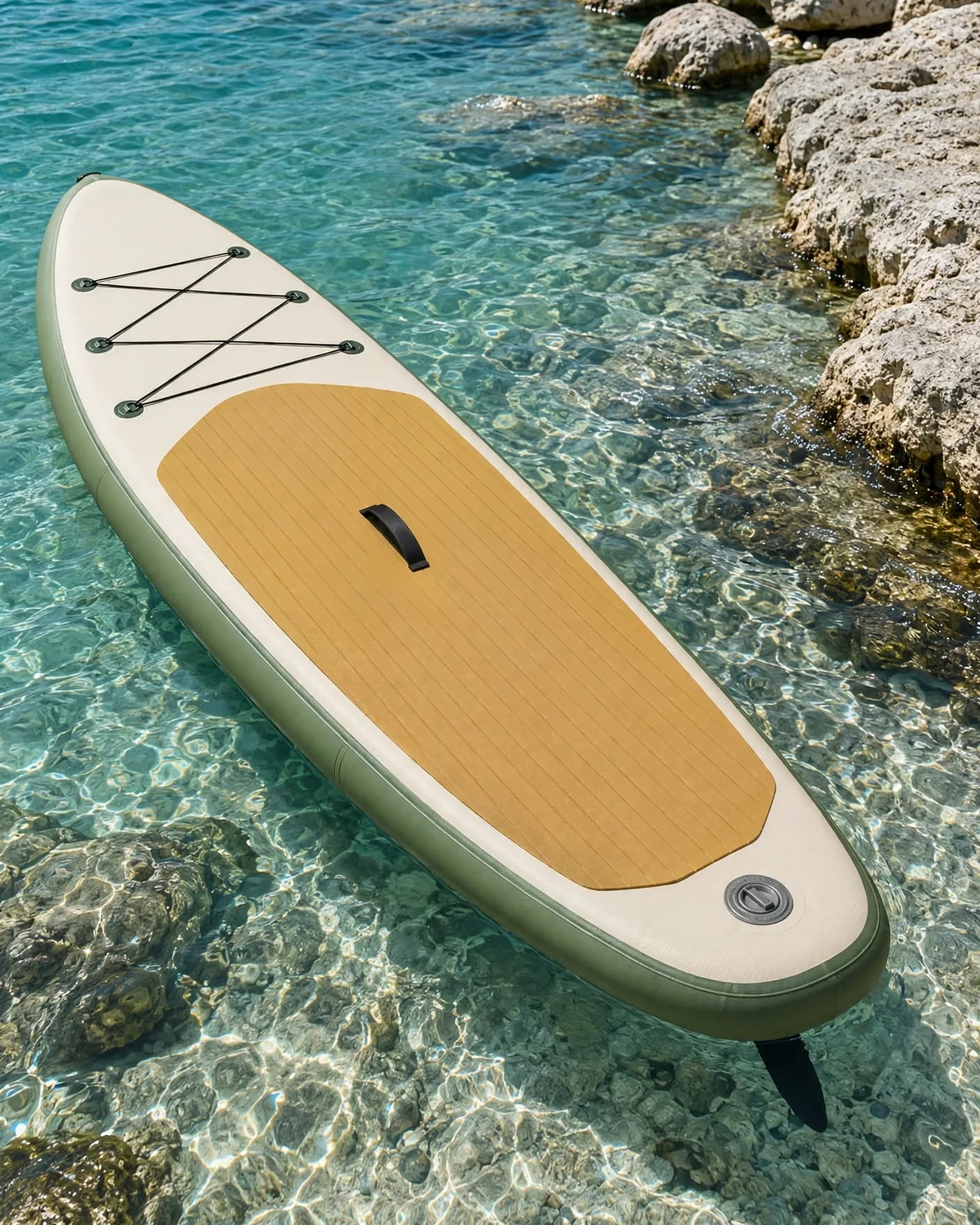
Same paddleboard reframed inside an expanded coastal portrait scene
After
Use this preset

Upload your product photo. Eligible new users start with 10 one-time image credits.
What this preset does

Change the presentation, not the product.

The Expand & Reframe preset extends the environment beyond the original crop so one product image can fit another placement. It preserves the existing product and continues perspective, light, texture and depth into the newly created space.

Creative direction

What changes

  • Extends the scene beyond the original frame
  • Rebalances product placement for a new format
  • Continues environmental perspective, light and texture
Product truth

What should stay recognizable

  • The original product and visible geometry
  • Existing scene direction and horizon
  • Product color, materials and distinctive details

Commercial use

Where this output fits.

Use the result where it has one clear ecommerce job, then compare it with the real product before publishing.

  • 01Portrait and Story placements
  • 02Landscape banners and email headers
  • 03Square social and marketplace crops

How to use it

From source image to reviewed result.

  1. 01

    Add the image to edit

    Choose a clear source where the product and the area you want to change are easy to inspect.

  2. 02

    Set the edit

    Use the preset as-is or add one short instruction for the exact result you need.

  3. 03

    Review the changed area

    Compare the result with the source and check product details before publishing.

FlowEdit / Privacy

Choose which optional technologies FlowEdit may use on the website.

Essential

Required for authentication, security, billing and core features.

Always active